
If you’re running workloads in Azure, chances are your security team has a solid handle on what’s configured. Resource settings, network rules, identity policies it’s all there in your posture management dashboard. But here’s the question that keeps security leaders up at night: do you know what’s actually happening?
Configuration snapshots are great at telling you what a resource looks like at rest. What they can’t tell you is who accessed it, what changed, or whether an identity started behaving abnormally in the middle of the night. That gap between static posture and live activity? That’s exactly where risk thrives. And for organizations scaling across Azure, that gap only gets wider.
The Investigation Gap in Multi-Cloud Security
Security teams investing in cloud-native application protection platforms (CNAPPs) expect full-stack coverage, and rightfully so. But here’s where things break down: when your investigation workflows stop at infrastructure metadata or Kubernetes events, Azure-specific activity slips right through the cracks.
Think about the questions that come up during an active investigation. Who modified that network security group? Which identity authenticated against Entra ID right before that lateral movement was detected? These aren’t hypothetical scenarios, they’re the kinds of questions that require log-level visibility, and most tools simply don’t surface that data natively within their investigation experience.
So what happens instead? Teams end up bouncing between Azure Monitor, Entra audit logs, and their CNAPP, manually stitching together timelines across multiple consoles. It’s slow, it’s error-prone, and it introduces blind spots at the exact moment when speed matters most.
Azure Cloud Logs, Now Inside the Upwind Investigation Tab
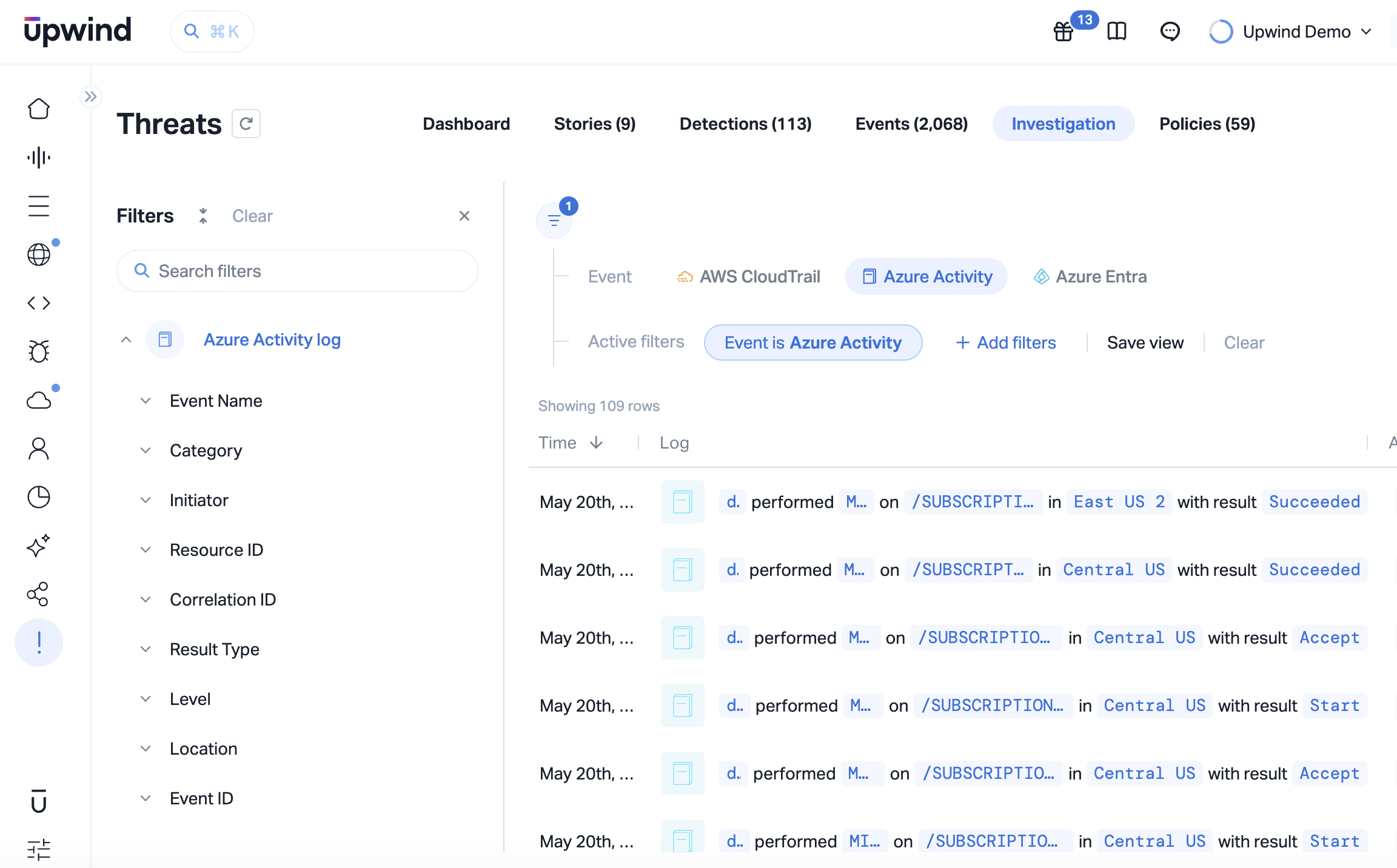
Upwind now brings Azure Activity Logs and Azure Entra Logs directly into the Investigation Tab, building on our native Azure Log Analytics integration that powers deeper detections across your Azure environment. That means your security team can analyze identity activity, configuration changes, and resource-level events right alongside the runtime data Upwind already collects from workloads, containers, and network flows, all in one place.
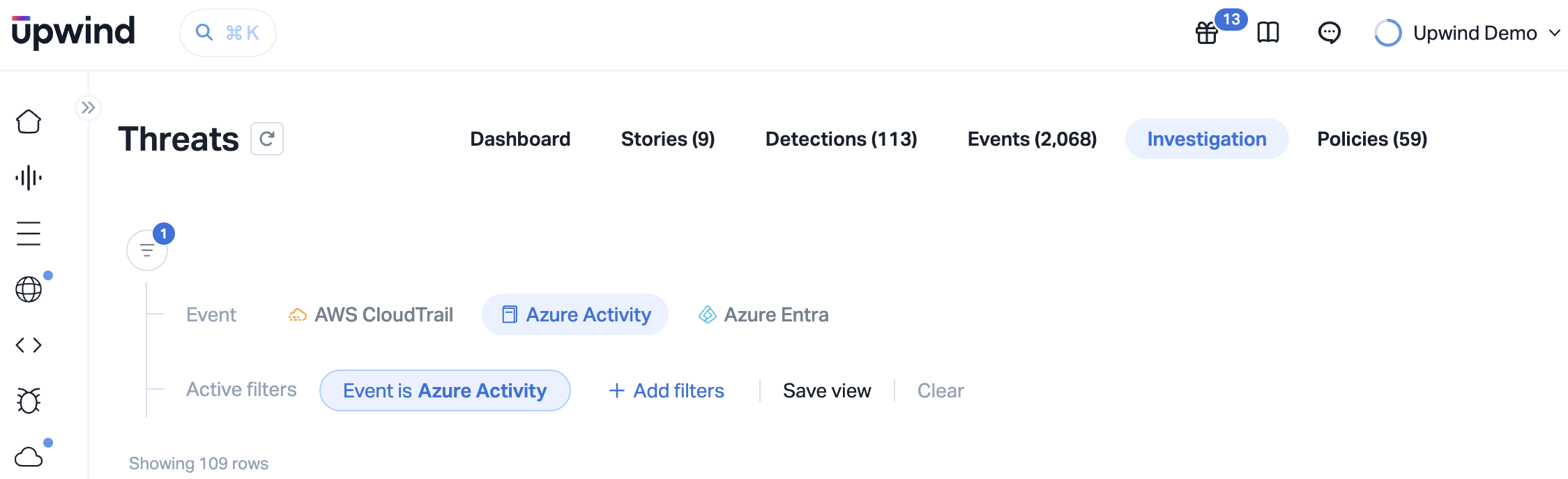
In practice, this means you can filter Azure Activity Logs to isolate a specific role assignment change, then immediately correlate it with runtime network behavior observed by Upwind’s eBPF-based sensors during the same time window. One investigation surface. No tab-switching. No manual log exports. No more wasted time piecing together a story from five different tools.
Advanced filtering capabilities let teams zero in on the events that actually matter without wading through noise. Whether it’s a suspicious Entra sign-in pattern or an unexpected resource deletion in a production subscription, you can get to the signal faster and with more context than ever before.
Why This Matters for Security Leaders
At its core, this is about visibility, and visibility is the foundation everything else in your security program depends on. You can’t protect what you can’t see, and you can’t validate your security posture without understanding who did what, when, and why it matters.
Azure Cloud Logs in Investigation close a real gap for organizations that need unified, cross-cloud visibility without bolting on extra tools or adding more complexity to already-stretched workflows. It’s the kind of capability that turns your CNAPP from a posture tool into a true investigation platform.
What’s Coming Next
Upwind is continuing to expand the Investigation Tab with sensor-level event data, including process, network, and file activity. This evolution takes Investigation from cloud log analysis to full runtime forensics, connecting identity actions to workload behavior in a single, unified view.
The direction is clear: one place to see everything that matters, from the cloud control plane all the way down to runtime execution.
See It in Action
Azure log visibility shouldn’t require stitching together data from five different consoles. With Upwind, it doesn’t. Cloud logs, runtime signals, and identity activity all come together in one investigation experience, so your team can move faster, see further, and respond with confidence.
If you’d like to see how this feature fits into your environment or to explore how Upwind can help you prioritize and remediate risk more effectively, schedule a customized demo with us.
We’ll walk through your use cases, integrations, and security goals to show how Upwind delivers actionable cloud security at scale.