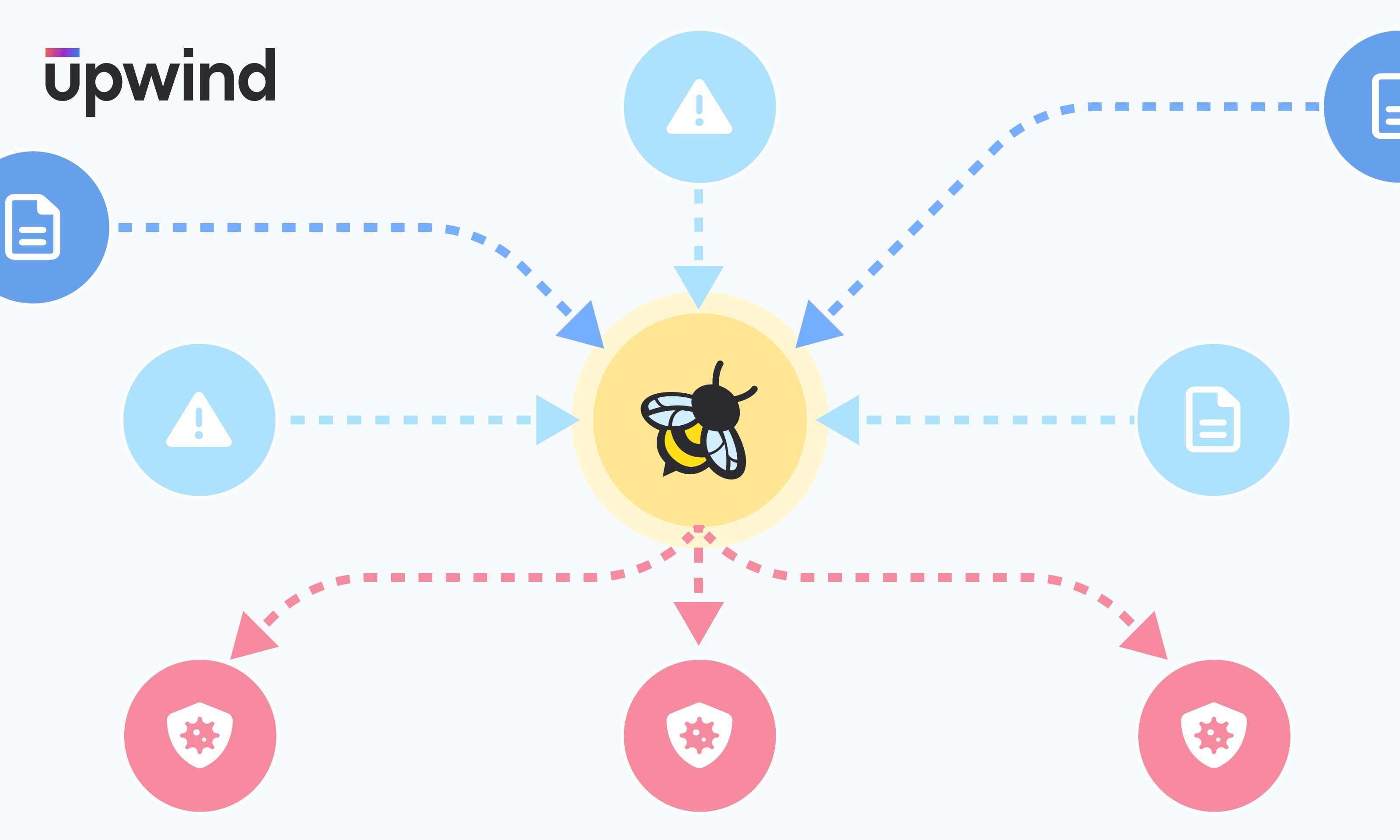

We are excited to announce a significant new capability in the Upwind Cloud Security Platform – threat detections for malicious file-based activity.
Upwind’s threat detection and response capabilities have always allowed customers to detect and respond to threats in real time, powered by our innovative eBPF-based sensor. With this new capability, Upwind’s threat detection capabilities will give you even deeper protection, analyzing suspicious and malicious file-based activities.
How Does Upwind Detect File-Based Activities?
Upwind will now detect suspicious and malicious “file activities,” including read, write & truncate (delete). We do this through the Upwind eBPF sensor, which monitors file access and collects raw data on every process activity involving files.
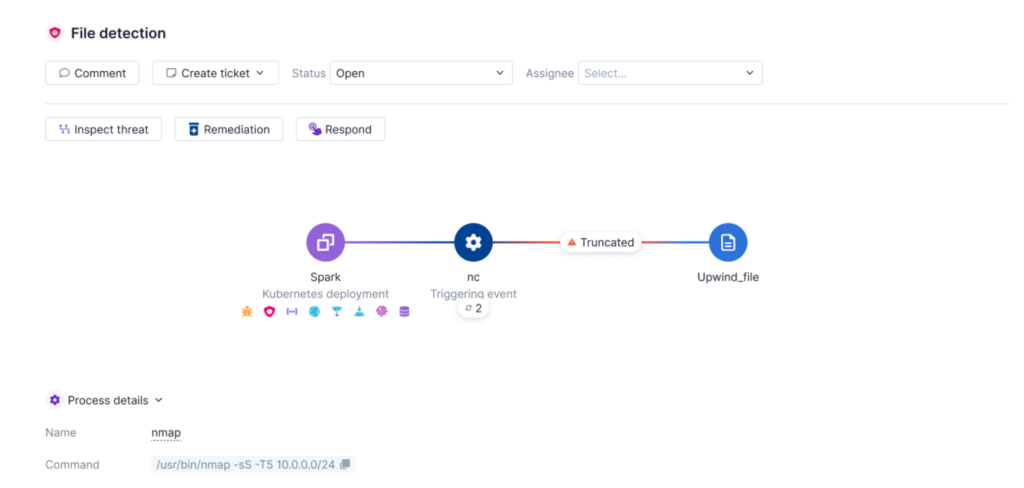
Upwind’s eBPF sensor not only monitors file activities, it also enriches that data with information that better explains an event’s context, and provides insights into the actions taken on the file, including read, write, and truncate (delete).
Additionally, the Upwind sensor also provides comprehensive metadata relating to the file itself, including details such as the owner, time and date of creation, permissions, size, and MD5 hash. This event context, behavior analysis, and comprehensive metadata is then paired with extensive insights into the processes responsible for these actions, providing a deeper understanding of the context surrounding file activities.
Benefits of Detecting File-Based Activities
Detecting behavior and suspicious actions performed on files is crucial for all organizations in order to safeguard against a wide range of threats and patterns indicative of malicious activity, such as unauthorized access to sensitive files and evidence tampering. By utilizing this information, customers can rapidly identify file-based threats, recognize patterns of malicious activity within their environment and take proactive measures against file-based risks.
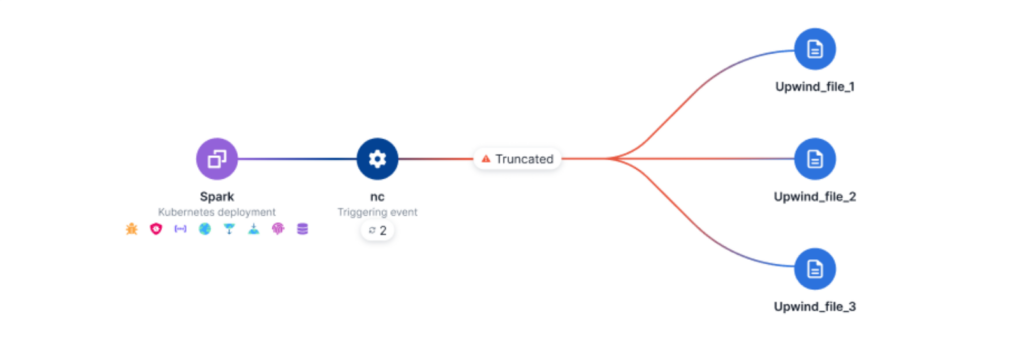
Upwind’s file-based detections give you the ability to:
- Monitor All File Activities: view and detect suspicious and malicious file activities performed by processes.
- Detect Common File-Based MITRE Tactics: Easily identify common MITRE tactics in files, such as:
- Sensitive File Access: an attacker leverages a binary without user-prompt commands to access sensitive system files such as /etc/passwd. This type of unauthorized access could potentially compromise system integrity and lead to security breaches.
- Reconnaissance File Access: an attacker leverages a binary to access and read files that contain sensitive information such as user accounts, group memberships, network configurations and system logs.
- Defense Evasion: an attacker leverages a resource in your environment to modify command history log files. This type of activity indicates potential attempts to conceal traces by manipulating command execution records, which may suggest unauthorized or malicious actions within your environment.
- Direct Access To Filesystem: an attacker leverages a resource in your environment to access a file using direct access to the file system. These files represent physical storage devices like hard drives, SSDs, and external drives. Unauthorized access to these devices could indicate attempts to install malware, steal data, manipulate partitions, or perform unauthorized actions.
- Prioritize File-Based Risks & Threats: All file-based threat detections will surface as Issues within the Upwind Platform, rapidly identifying potential risks and threats.
- View Comprehensive File Information: For each file event/detection, view file information including the file owner, date and time of file creation, file permissions and file size.
Use this capability to easily monitor and identify suspicious and malicious file-based activities, respond to file-based threats in real time, and proactively safeguard against file-based threats.
Learn More
To learn more about Upwind’s file-based threat detections, visit the Upwind Documentation Center (Login Required), or schedule a demo.