
We are excited to announce support for a new detection type – the identification of malicious port sweeps.
Port sweeps can occur when compromised hosts or containers within your environment probe a port on a large number of publicly routable IP addresses or a large number of internal IP addresses. This type of activity is typically used to find vulnerable hosts or services to exploit.
Port sweeps are conceptually related to port scans, with port sweeps looking for a specific port or ports across multiple hosts, and port scans enumerating any ports to be found on one or more hosts. Sometimes attackers will use a port sweep to narrow down their attack surface, and follow with a port scan, targeted at finding a vulnerable service.
TCP Ports
TCP ports number from 0 to 65535, with the standard ports occupying numbers 0 to 1023. Discovering that a standard port is “open” can indicate either an already infected port, or one that is vulnerable to attack.
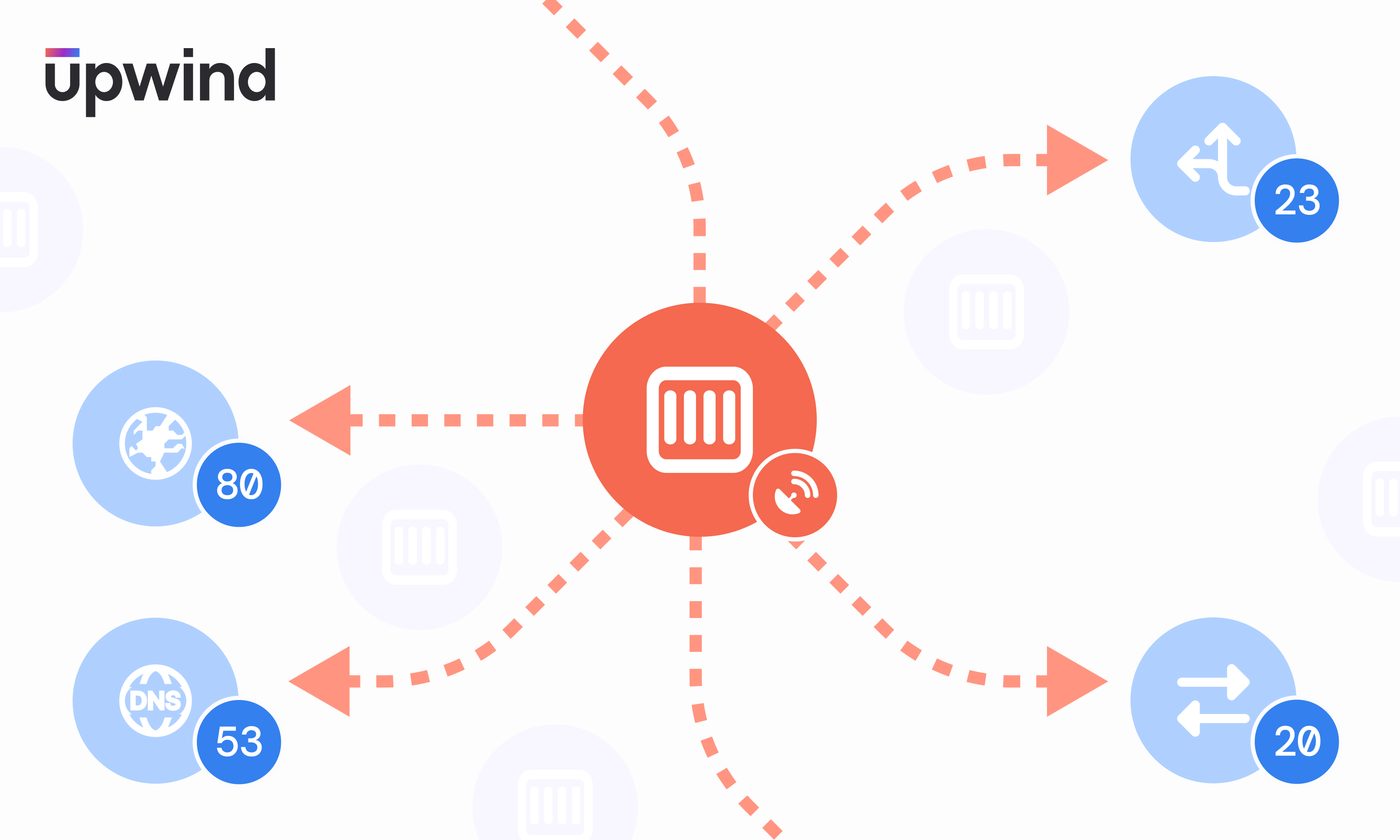
Commonly used ports include:
- Port 20 (UDP): File Transfer Protocol (FTP) for data transfer
- Port 22 (TCP): Secure Shell (SSH) protocol for secure logins, FTP, and port forwarding
- Port 23 (TCP): Telnet protocol for unencrypted text commutations
- Port 53 (UDP): Domain Name System (DNS) translates names of all computers on internet-to-IP addresses
- Port 80 (TCP): World Wide Web HTTP
Indicators of Compromise
Potentially malicious port sweeps are detected through their suspicious access patterns – including repeated attempts to connect to a port with a large number of publicly routable IP addresses over a short period of time, or using a large number of internal IP addresses to connect to a port or ports over a short period of time. A port sweep attack aims to locate open ports to discover which services the machine is running and to identify its operating system, to inform which vulnerabilities to exploit.
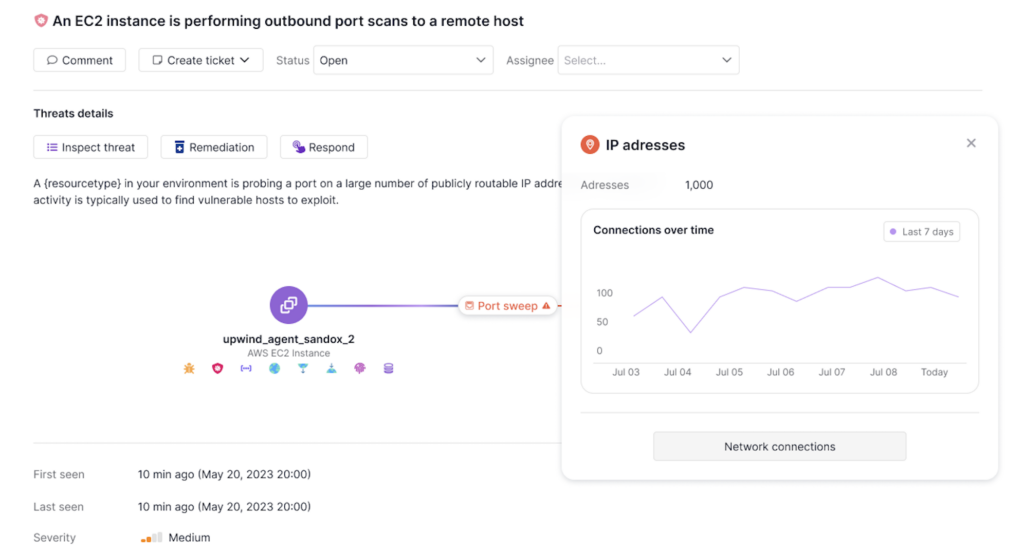
Internally-based port sweeps are similar to port scan attacks, but rather than leveraging an external application to scan for vulnerable hosts through repeated port scans, internal port sweeps use compromised internal resources to perform port sweeps, with the same goal of identifying vulnerable hosts.
A port sweep can provide useful information about a network environment, including:
- Existing network defenses, such as firewalls
- Running applications
- Machines that are online
- Information about the targeted system
- Information about vulnerable networks and servers
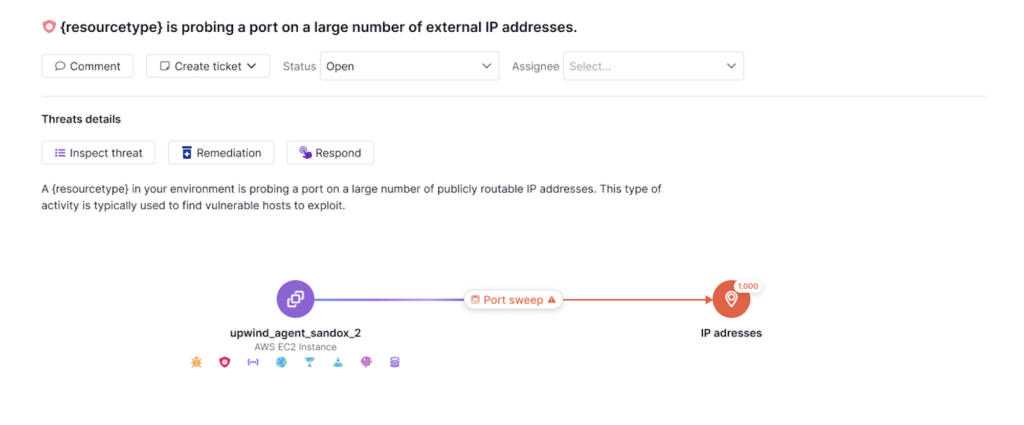
Attackers can then use this information to conduct an attack on a virtual machine or container.
Upwind leverages runtime data and machine learning to rapidly identify unusual port sweeps and immediately alert you to suspicious activity. Read more about port sweep detections in the Upwind Documentation Center (login required).