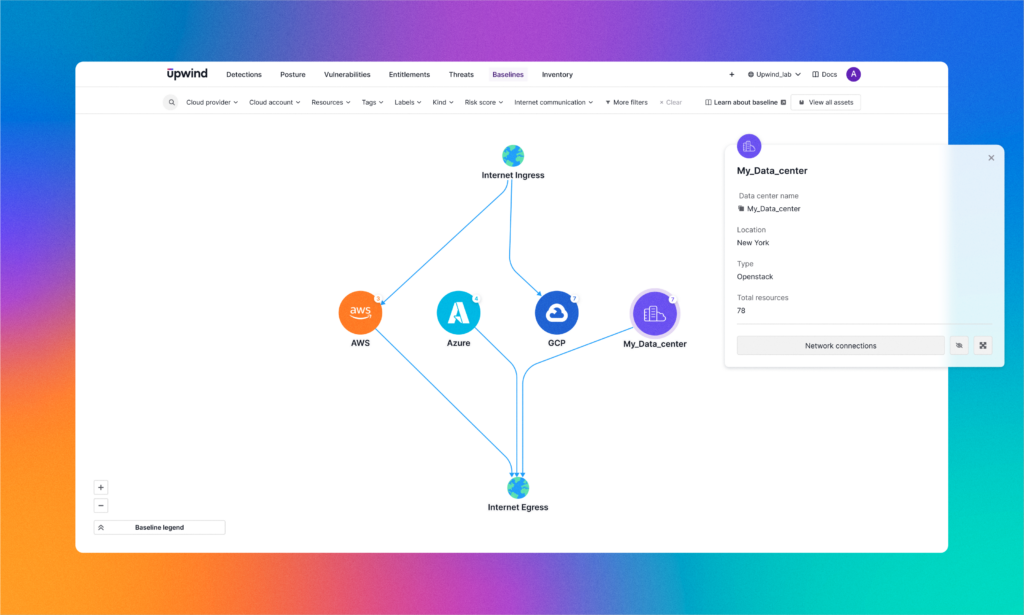

We are excited to announce the launch of a significant new capability within the Upwind platform – Bring Your Own Cloud (BYOC)!
Upwind has always supported cloud-native and multi-cloud environments across AWS, Azure and GCP, and starting today, you can also connect to other cloud providers such as Oracle and IBM Cloud or your hybrid cloud on-premises data centers.
How to Onboard a Hybrid-Cloud Environment
The process of onboarding your data centers or other clouds has two simple steps.
- In the Upwind console, choose to connect a Bring your own account, then provide the name and location of your data center, and ensure that your firewall permits communication with Upwind.
- Deploy Upwind’s Helm Chart or Agent to connect your Kubernetes clusters or hosts.
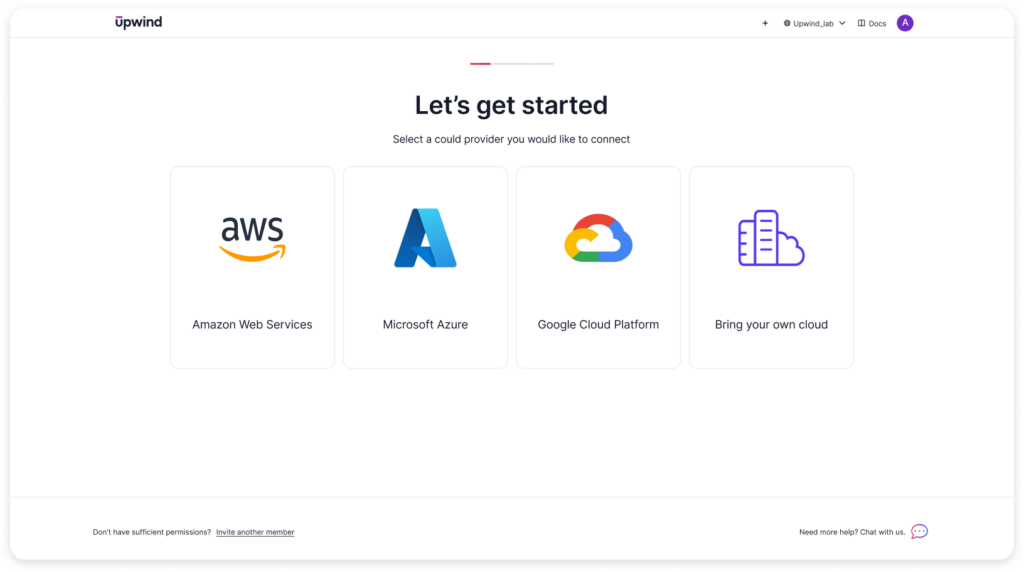
The Benefits of BYOC
With the launch of BYOC, you can now deploy Upwind across all your environments in the cloud and on-premises. This allows you to standardize workload protection across your infrastructure fleet and deploy Upwind’s threat detection, vulnerability management and topology map, providing real-time visibility into your runtime environment, workloads and communication flows.
BYOC gives you a number of significant advantages including:
- Unified Security Management: With BYOC, you can now manage and monitor your cloud and on-premises environments from a single, unified platform. This streamlines your security operations and provides a holistic view of your entire infrastructure.
- Scalability and Flexibility: Whether you’re scaling your operations in the cloud or maintaining a legacy on-premises setup, Upwind’s BYOC support scales with you, providing flexible security that adapts to your needs.
BYOC allows you to provide hybrid-cloud security across all of your workloads, providing a centralized security strategy for your evolving cloud presence and data center usage.
Learn More
To learn more about Upwind’s Bring Your Own Cloud capabilities, refer to the Upwind Documentation Center (login needed).
To see a live demo of Upwind in action, please email us at [email protected].
Up & Upwind! 🏄♂️