
Dark Mode is now live across the Upwind console for all users, giving security teams greater control over how they experience the platform so they can work more comfortably, stay focused longer, and adapt the interface to their environment, without changing workflows, data, or collaboration.
Security work doesn’t happen in neat, predictable blocks of time. It happens late at night during incident response, early in the morning across global teams, and during long investigative sessions where attention to detail is critical. Cloud environments are dynamic by nature, and the teams responsible for securing them are expected to operate with the same continuity.
In that reality, the experience of using a security platform matters. When investigations stretch for hours, the interface becomes part of the work itself. Dark Mode was designed to support focus and comfort under pressure, reflecting Upwind’s operator-first approach to security.
Improving the Day-to-Day Security Experience
Dark Mode enhances the Upwind console in ways that show up most clearly during everyday security operations. Rather than changing how teams work, Dark Mode improves how the work feels, especially during long or demanding sessions.
We didn’t add Dark Mode because it’s popular. We added it because our users asked for it, and because it genuinely improves focus and comfort during long investigation sessions.
– Nardit Hikry, Vice President, Product Experience, Upwind
- By reducing glare and visual strain, Dark Mode makes extended time in the console more comfortable, particularly in low-light environments or during on-call rotations. This helps teams stay engaged during investigations that require sustained attention, without introducing unnecessary fatigue.
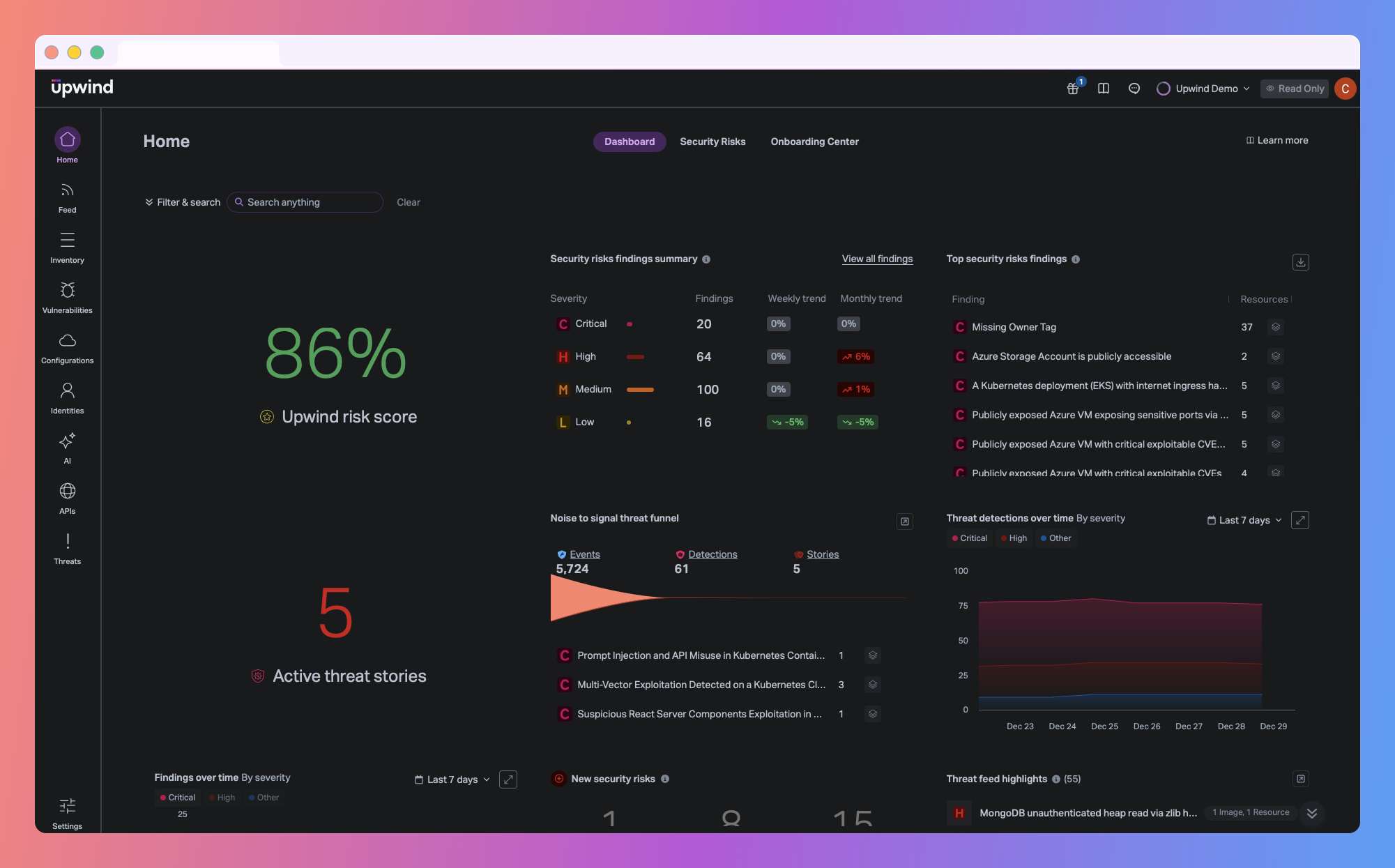
- The darker visual environment also supports focus during complex analysis. Dense runtime data, relationship graphs, and alert context remain clear and readable, but with less visual noise competing for attention. This allows analysts to stay oriented and precise when navigating high volumes of information.
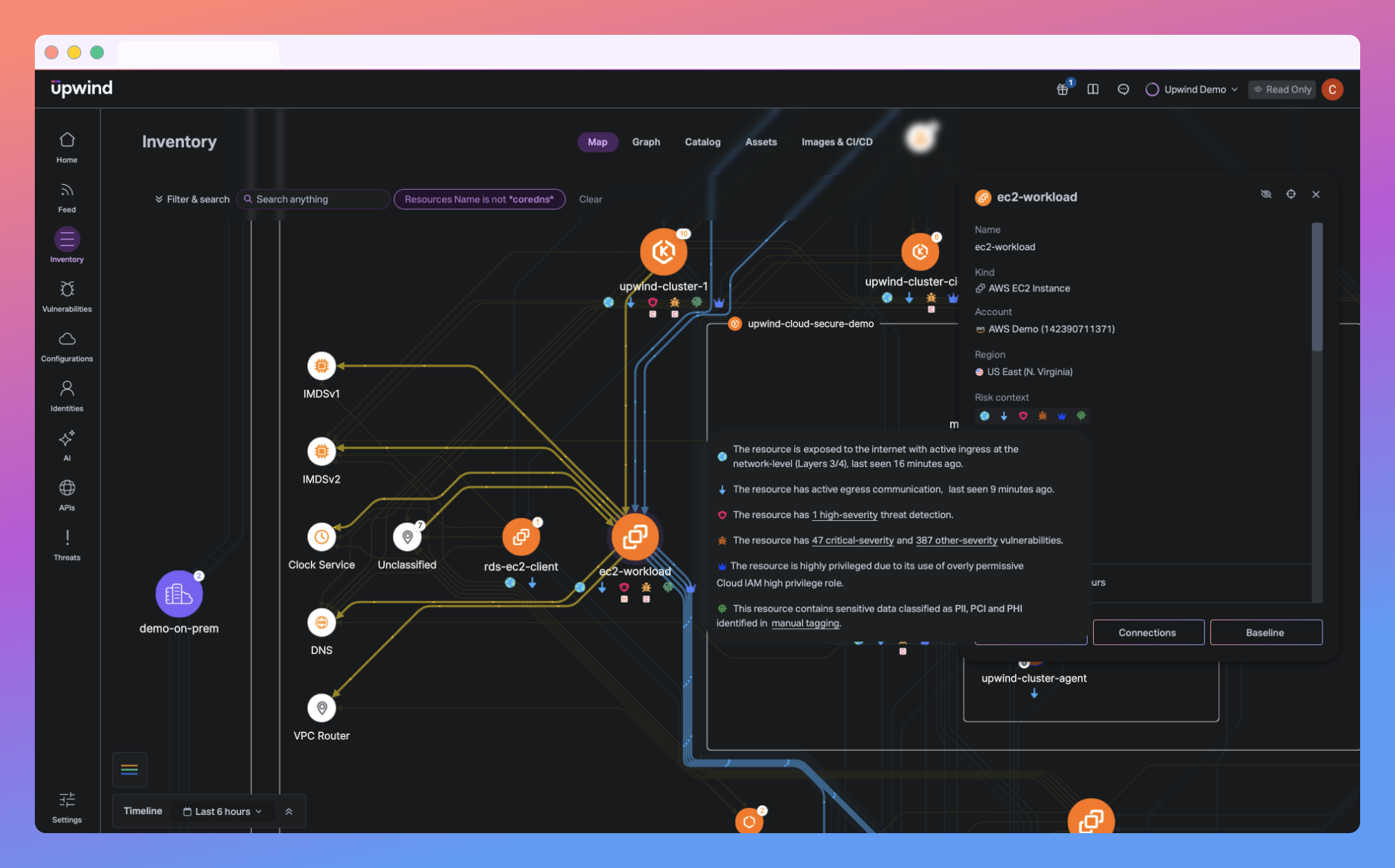
- Dark Mode also gives users more personal control over their console experience. Each user can choose between Dark Mode, Light Mode, or an option that follows their system’s appearance settings, allowing the Upwind console to adapt naturally to different environments and preferences. These settings are available under Theme Settings in the user profile and apply at the individual level so teams can personalize their experience without coordination or disruption.
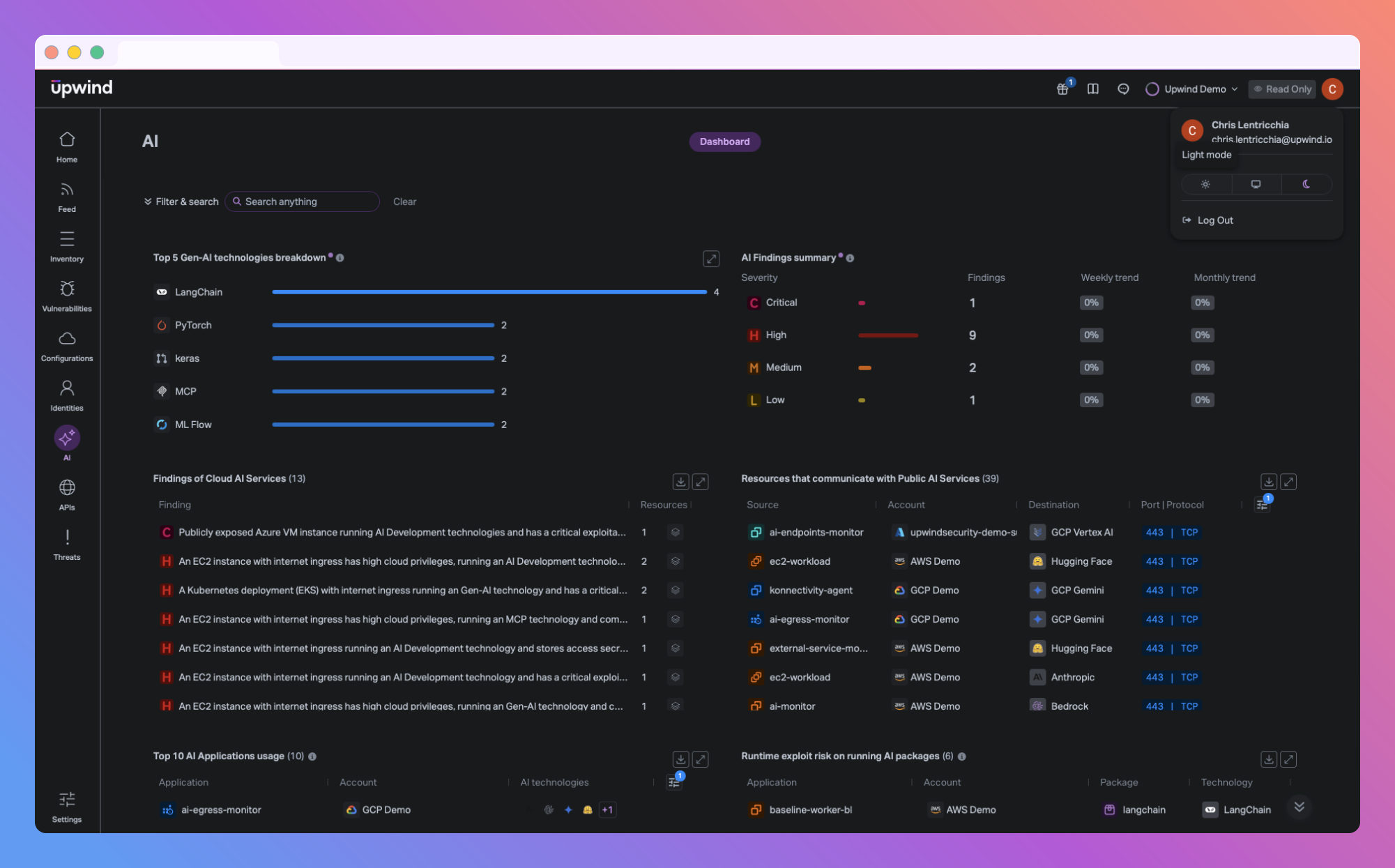
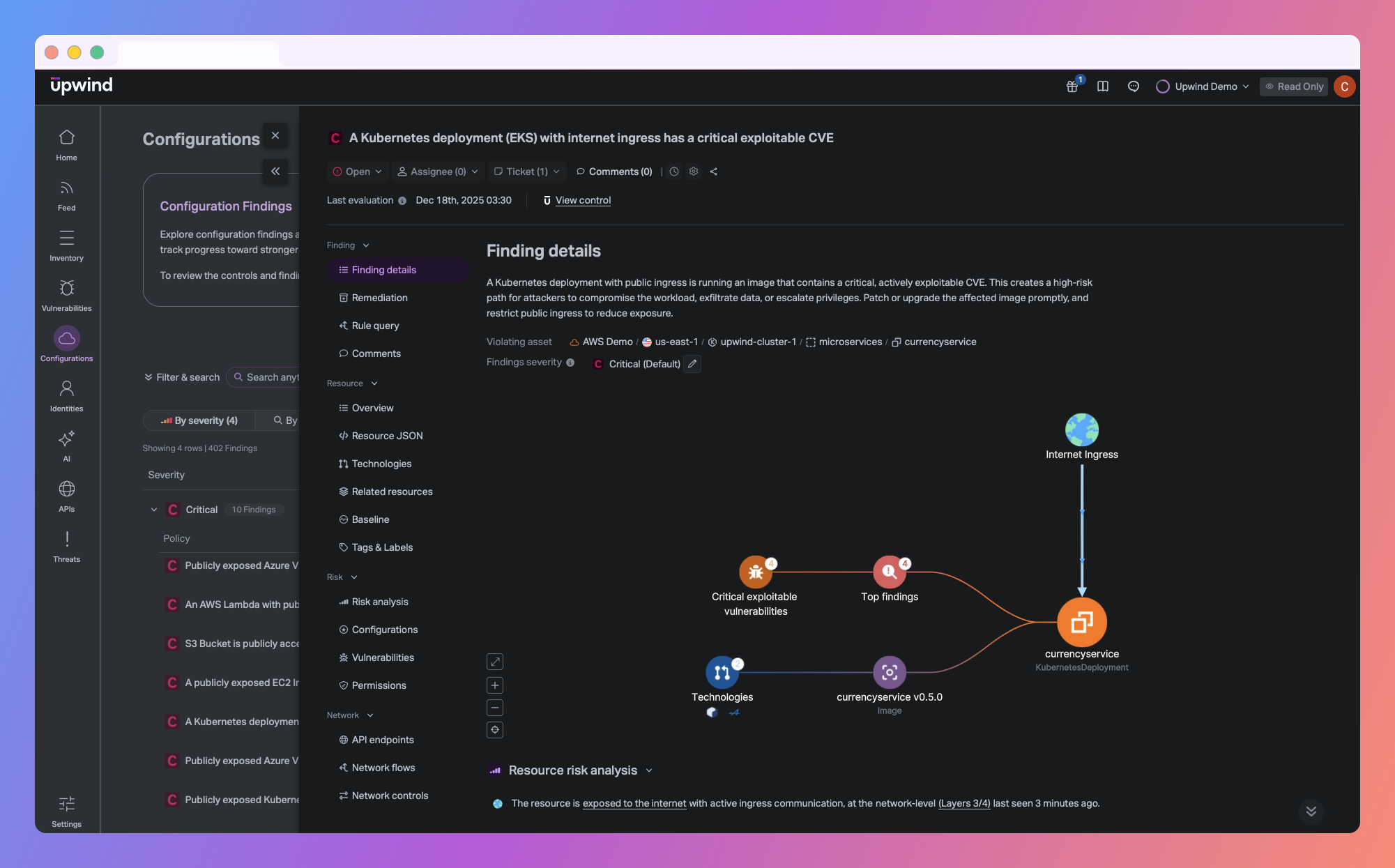
Across all modes, the platform behaves the same. Layouts, interactions, and information hierarchy remain consistent, ensuring that switching themes never changes how risk is presented or how teams collaborate. The experience feels different, but the work does not.
Designed to Support Focus When It Matters Most
For many users, the Upwind console becomes a central workspace during critical moments. When something goes wrong – an exposed workload, unexpected connectivity, or suspicious runtime behavior – teams often remain in the platform for extended periods, validating findings and tracing relationships in real time.
In those situations, the interface should fade into the background. Dark Mode creates a more subdued visual environment that reduces glare and helps teams maintain focus during long, high-pressure sessions, particularly during late-night or on-call work. For security engineers and SOC analysts, this added comfort can make a meaningful difference in both effectiveness and endurance.
This focus on operator experience reflects a broader understanding of how security work actually happens. Effective security outcomes depend not only on strong detection and prioritization, but also on sustained human attention and decision-making over time.
Final Thoughts
Dark Mode reflects a broader philosophy behind the Upwind platform. While it doesn’t change what the platform does, it improves how it feels to use—and over time, that matters. By giving users more control over their console experience, Upwind helps reduce cognitive load and make demanding security work more sustainable.
If you’d like to see Dark Mode in action and explore how Upwind adapts to your cloud environment and security workflows, book a customized demo with us. We’ll walk you through the console, highlight how runtime context drives prioritization, and tailor the experience to your architecture and use cases.