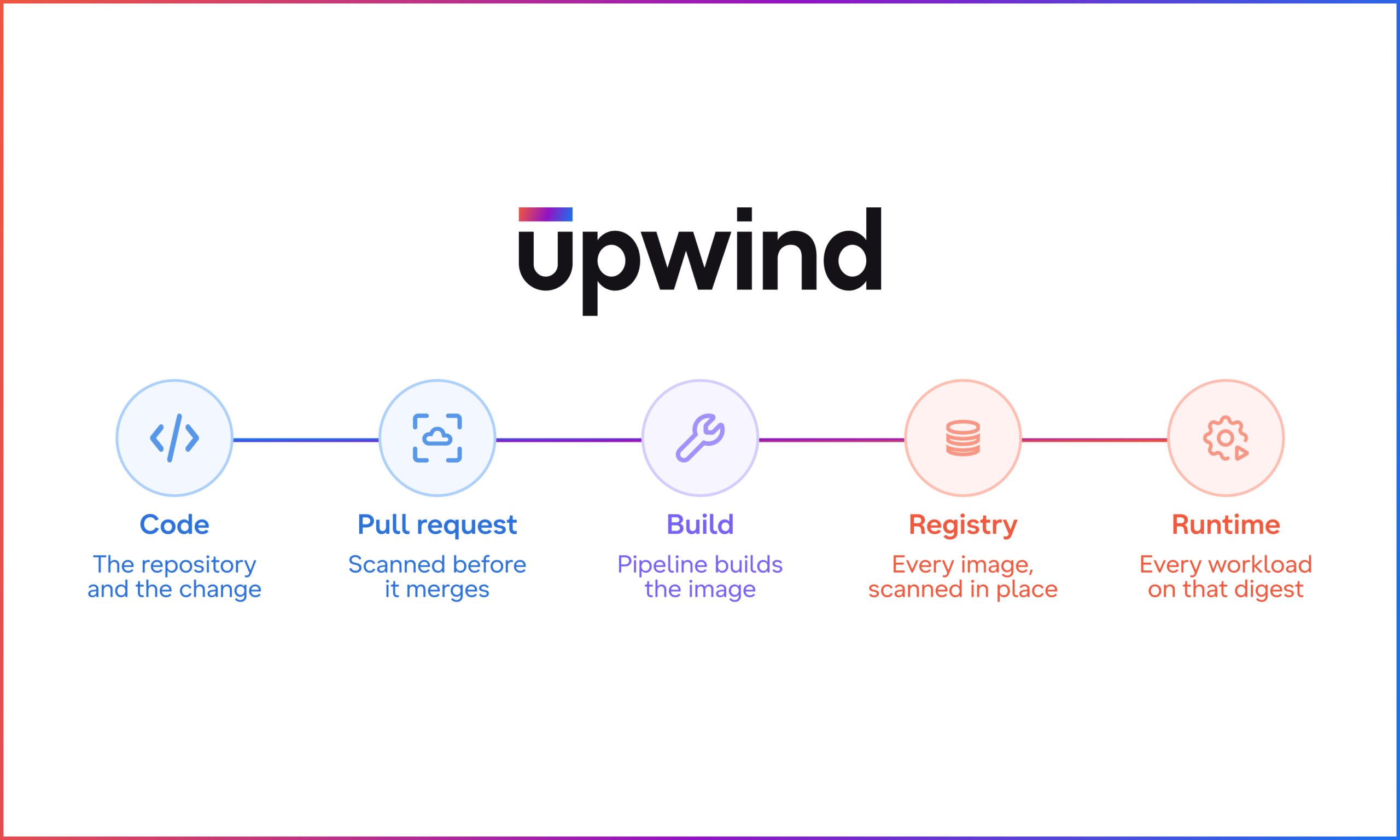

Upwind now scans the container images in your cloud registries and follows every image from the pull request that changed it to the workloads running it. You catch risky images before they ship, and because Upwind also sees runtime, you know which of the running ones matter.
Key Takeaways
- When a new CVE drops, Upwind matches it to the images waiting in your registry, so you see the risk before the next rollout. You also get the pull request that brought it in.
- Once an image runs, the Upwind Sensor shows whether the vulnerable package is actually loaded, so unused libraries stop crowding your queue.
- Registry scanning holds up with millions of images, because Upwind scans each digest once, wherever it appears.
- The Cloud Scanner already in your cloud account does the work with read-only access and no change to your pipeline.
When an agent’s pull request adds a risky library
Say a coding agent opens a pull request to bump a base image and fix a failing build. The PR scan is clean and the image builds. It lands in the registry as next week’s release. Days later, a critical CVE drops for a library that base image ships. Your pipeline scan is frozen at build time, and your runtime tool only sees what’s already running. Neither one flags it.
Upwind rescans the image where it waits, in the registry, and flags it before the rollout. It also points to the agent’s pull request as the change that brought the library in. Once the image rolls out, Upwind shows every workload running it and whether the library loads. Nobody had to read the agent’s diff line by line to catch it.
Why the registry was a blind spot
Every container image passes through a registry on its way to production. For most teams, that stop sits right between the two scans they already run. Pipeline results don’t update after the build, so a CVE published next week never shows up on an image that passed last month. Runtime only sees what is running now.
You feel that gap the day a critical CVE lands in a library half your images ship. The answer to “where are we exposed?” has two halves: the workloads running it today, and everything still waiting in the registry. Your rollback tag and Friday’s release are sitting there, next to the base image ten teams build on. Plenty of tools scan registries. Upwind also sees runtime, so it connects what waits in the registry to what already runs, and it keeps rescanning, so a new CVE still shows up on images that have not changed in months.
One image’s path from code to runtime
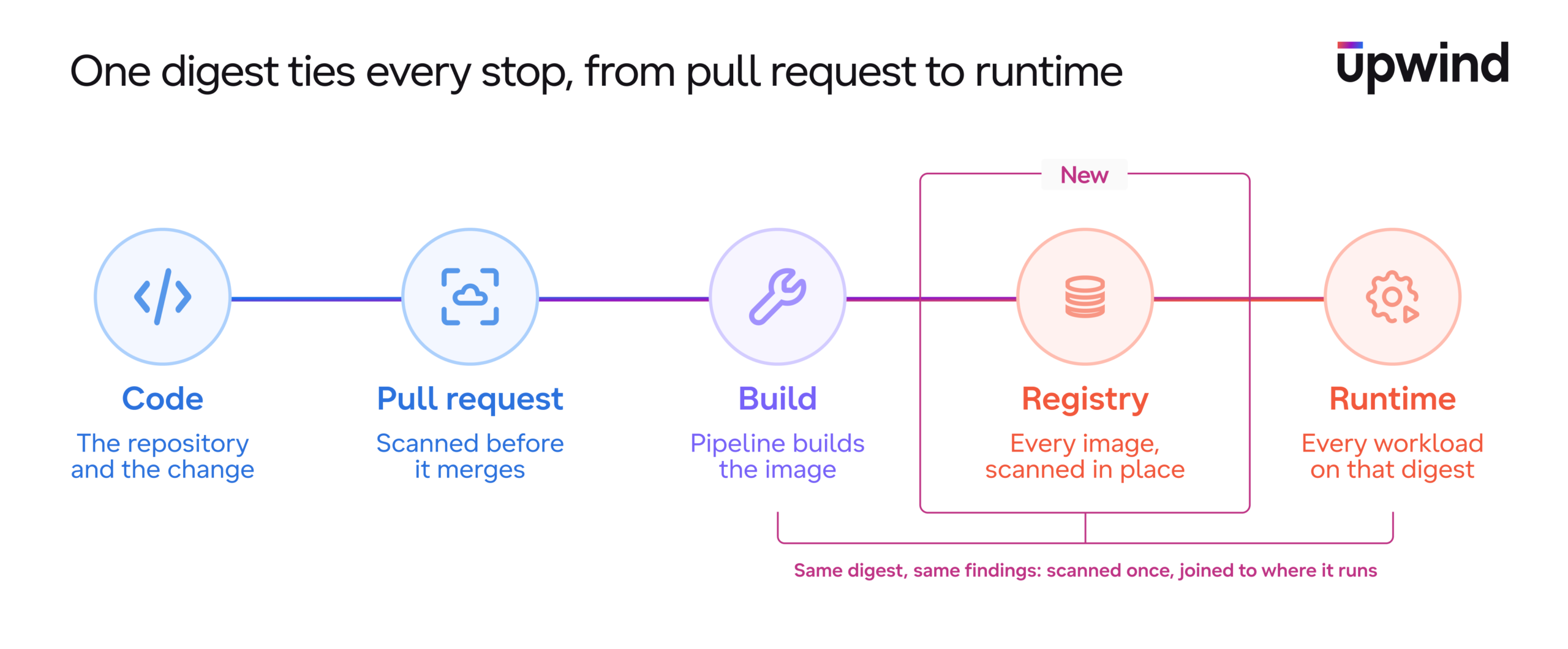
What ties all five stops together is the image digest. A tag like api:latest points to a different image every week, while a digest never changes. Upwind scans each digest once, wherever it appears, and joins it to every resource running it. The first time Upwind sees a registry image running, it flips from stored to deployed, and its findings move to the runtime view without being counted twice.
Then runtime answers the question a registry scanner can’t. Once an image runs, the Upwind Sensor sees whether the vulnerable package is loaded at all, so a critical CVE in a library nobody calls drops below one that’s sitting in memory.
The fix is usually a rebuild on a patched base image. Then you promote the fixed version and restrict the old one in the registry. Upwind opens one ticket per image with all of its findings and routes it to the owning team in Jira, Linear, or ServiceNow.
Covering every image without growing your backlog
A registry can hold millions of images, and Upwind is built for tenants that keep millions in a single repository. Your runtime queue stays focused on what runs, and a separate view shows what is about to. Here is how both views stay useful:
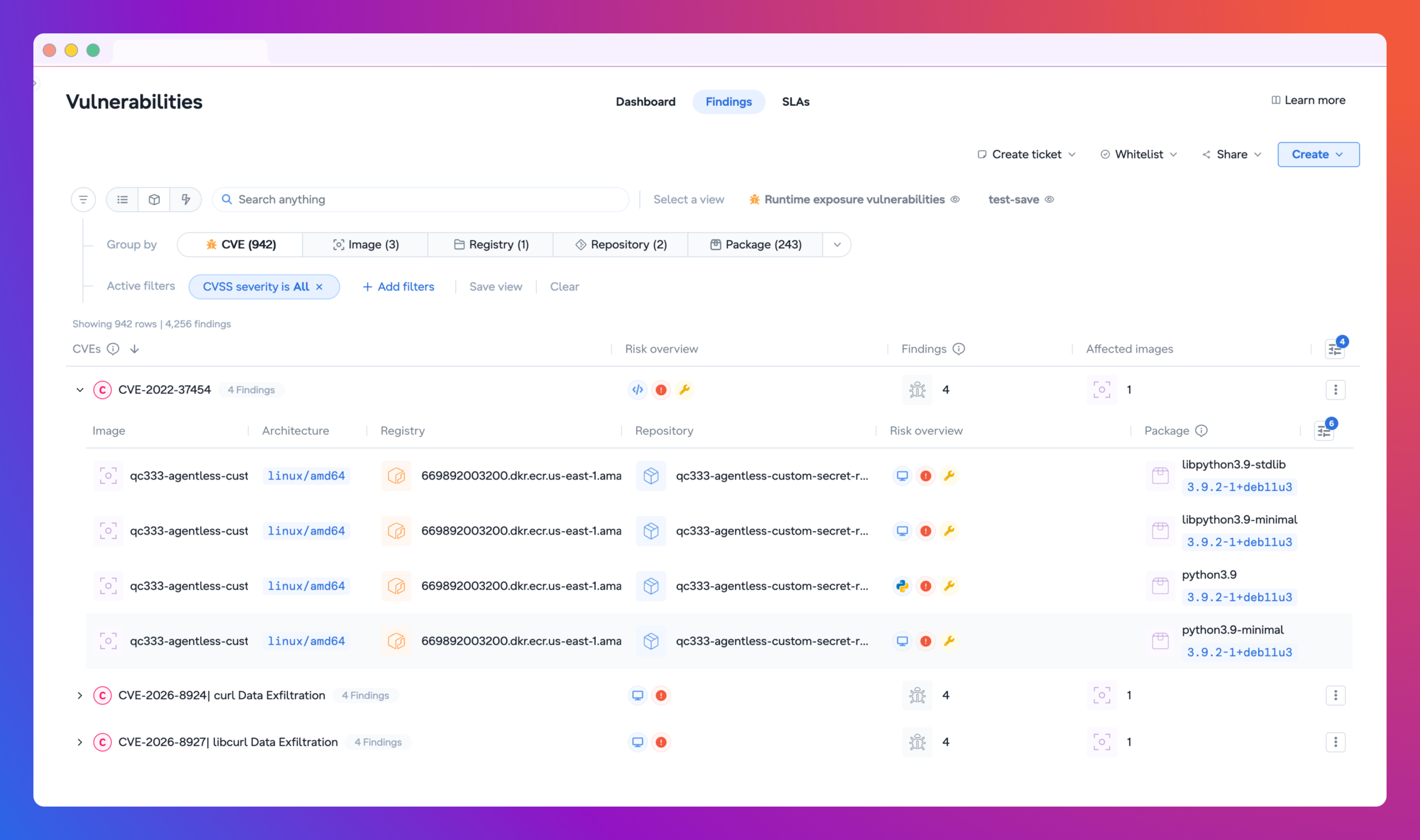
- Registry findings live in their own view. In Vulnerabilities › Findings, filter to Scanned at store and group by registry or repository. Your runtime risk and issues stay as they were, and so do your KPIs.
- The newest images in each repository, the ones most likely to deploy next, are scanned first. Scan Now covers any other image on demand. Every image Upwind didn’t scan tells you why: out of scope, a missing permission, an unreachable registry, or the same digest already scanned somewhere else.
Nothing new to install
Registry scanning runs in the Cloud Scanner already in your cloud account, with read-only access, no agent, and no change to your CI/CD pipeline. Set what gets scanned in the scanner’s Capabilities & scope tab; the registry scanning docs list the supported registries and permissions.
Try it on your busiest repository
Turn on registry scanning in your Cloud Scanner, filter Findings to Scanned at store, and open the oldest critical finding in your busiest repository. Then follow it back to the pull request that put it there.
A registry scanner tells you what’s stored. Upwind tells you what it becomes in production.
Book a demo to see it on your own registries.