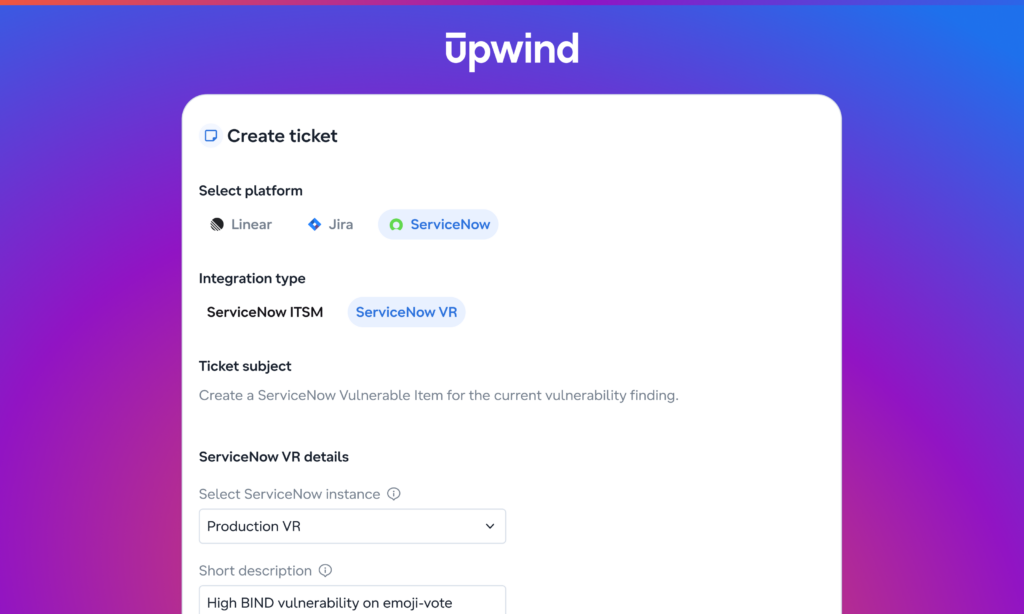

Send vulnerability findings straight into your VR queues, and let Upwind verify every fix before a ticket stays closed.
Key Takeaways
- Upwind sends each vulnerability finding to ServiceNow VR as a native Vulnerable Item, linked to the CVE and the affected asset.
- Workflows are the recommended way to create tickets. Every new matching vulnerability becomes a Vulnerable Item automatically.
- When a Vulnerable Item is closed, Upwind rescans the resource and reopens it if the vulnerability is still there.
- You set it up from Upwind, and nothing needs to be installed in ServiceNow by hand.
Upwind now integrates with ServiceNow Vulnerability Response (VR), the ServiceNow module where remediation teams track and fix vulnerabilities. The integration is generally available. It sends Upwind findings into VR as native Vulnerable Items and keeps checking them until the vulnerability is gone.
Cloud vulnerability management usually breaks at the handoff. Security finds a critical CVE in a production workload, but it reaches the remediation team as a generic ServiceNow incident or a row in an exported CSV, without the CVE record, the affected asset, or any risk context. Once the ticket is closed, the question nobody answers is whether the vulnerability is actually gone. We built the integration to change that.
Each finding becomes its own Vulnerable Item
ServiceNow VR is where many enterprise remediation teams already work. Their queues, SLAs and dashboards are built on Vulnerable Items (VITs): records that tie a CVE to the affected asset and carry its state, assignment and risk rating.
The integration sends each Upwind vulnerability finding into VR as a native VIT, not a generic ITSM incident. Each VIT is linked to the CVE record from the NVD library, matched to the Configuration Item, and marked Source = Upwind. You can map extra Upwind fields onto it and attach the full finding details as a CSV.
Every finding gets its own VIT: one CVE, in one package, in one image, on one resource. Findings aren’t grouped into a single alert, so the ServiceNow CVE table stays accurate and every CVE is tracked on its own.
From finding to ticket, your way
Setup takes a few minutes and runs entirely from Upwind. Connect with your instance URL and OAuth client credentials, review the field mapping, and click Provision. Upwind creates its staging table and related objects in ServiceNow for you, with nothing to import or install on your side.
From there, we recommend workflows. for day-to-day ticketing.
Pair the “When a new vulnerability is found” trigger with the Create a ServiceNow Vulnerable Item action, filter by severity, EPSS, risk category or any selector, and every matching new vulnerability becomes a VIT automatically.
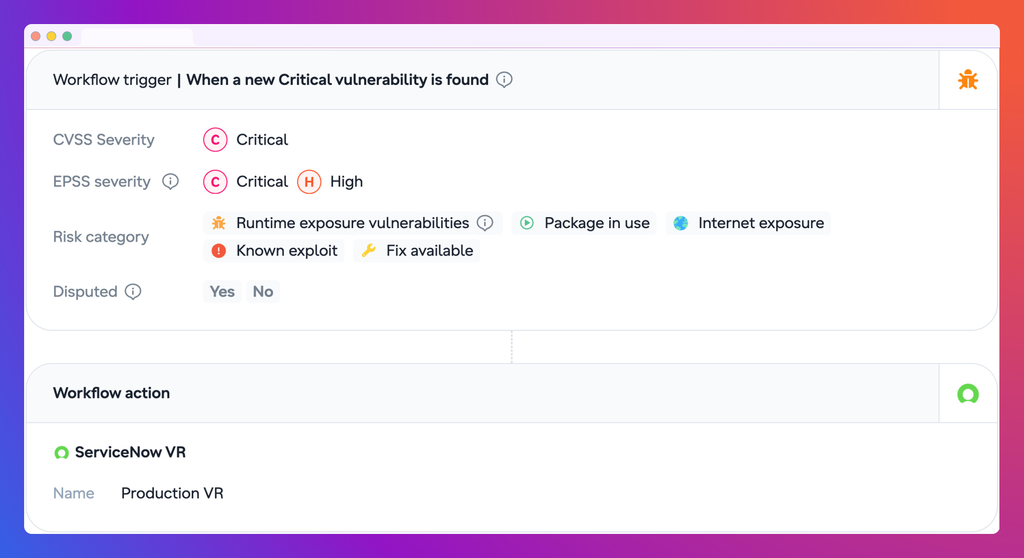
Workflows apply the same rules to every new finding, so remediation teams get a steady, filtered queue instead of tickets opened by hand. For one-off cases, you can still send a single finding to ServiceNow straight from the finding page:
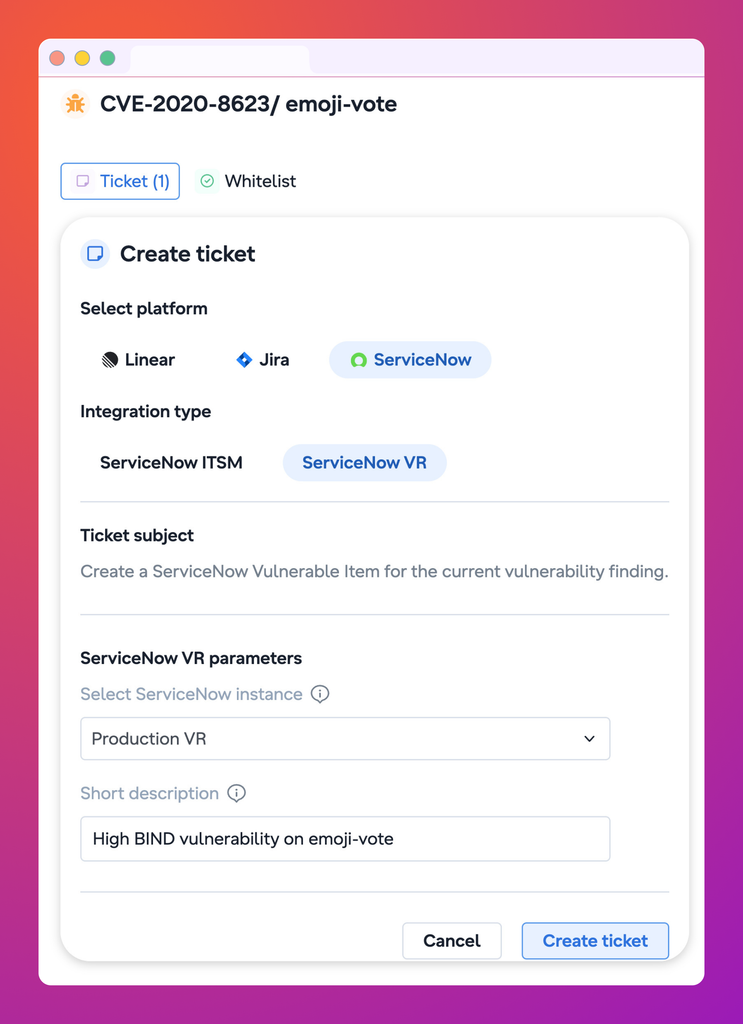
The VIT number shows on the finding as a link to ServiceNow, along with its state, assignment group and assignee, so security and remediation teams look at the same ticket.
When a ticket closes, Upwind checks the fix
Most integrations stop once the ticket is created. This one keeps going. When a remediation engineer closes a VIT in ServiceNow, Upwind picks up the change. If the VIT was closed as fixed, Upwind rescans the resource and checks whether the vulnerability is gone. If it is, the fix is confirmed. If it isn’t, Upwind reopens the VIT, so a ticket closed by hand never hides a vulnerability that’s still running in production.
Your team keeps managing remediation in ServiceNow, and Upwind tells them whether the vulnerability is actually gone.
Getting started
You’ll need ServiceNow Vulnerability Response with the NVD integration app, an integration user and an OAuth client. Then, in Upwind, go to Components → Integrations → ServiceNow VR, connect your instance and click Provision. Finally, create a workflow so new findings reach VR automatically.
The ServiceNow VR integration is available now for all Upwind customers. Book a demo to see it in action.