

Updated on November 11, 2026
Incident response (IR) templates make it simple to customize your response plan. As such, they’re important foundational documents in a digital forensics and incident response initiative. They’re also easier to choose and customize than you might think. We’re offering a few customizable examples to get you started.
What is an Incident Response Plan (IRP)?
An IRP is a structured set of instructions that give directions for teams before, during, and after a security breach in order to minimize impact, speed recovery, and prevent future breaches. At their core, they include:
- Information on how to detect breaches
- How they’ll respond to the breach and to stakeholders
- Steps they’ll take to recover
However, key components of an IRP include more detail than these three primary areas. Typical IRP templates cover the entire incident lifecycle. NIST’s newer incident response publication, SP 800-61 Rev. 3, goes further, framing incident response through the six core functions of the NIST Cybersecurity Framework (CSF) 2.0: govern, identify, protect, detect, respond, and recover. Templates typically spell out:
- Policies: Procedures, tools, and infrastructure best practices in cybersecurity. These can include defining roles and responsibilities for individuals and teams in terms of handling various aspects of cybersecurity but also post-incident communication.
- Detection Rules: Determining whether events are security incidents, how they’re detected and logged, verified, how teams are alerted, and what governs their type and speed of response.
- Containment Procedures: How companies will limit the scope of an incident, isolating affected systems and preventing spread.
- Eradication: Paths to eliminating the root cause of an incident, from removing malware to patching systems and addressing insider threats.
- Recovery: Restoring systems and services along with operations, making sure the incident is addressed and updating IRPs to prevent similar future incidents.
- Post-Mortem Analyses: Reviewing the incident for lessons learned to understand overall organization strengths and weaknesses regarding cybersecurity.
Incident response templates offer a semi-structured outline so companies can fill in their custom assets, teams, and structures, creating an individual plan pre-populated with all the crucial components.
Policy-Specific Template Wording
Many templates blur three documents that serve different purposes. Keeping them separate makes each one easier to write, approve, and maintain.
- Incident Response Policy: A short governance document that states that the organization will respond to incidents, who has authority, and what is required. Leadership approves it, and it changes rarely.
- Incident Response Plan: The operational document that describes how teams detect, contain, eradicate, recover from, and review incidents. It names tools, teams, contacts, and workflows, and it changes as the environment changes.
- Playbooks: Step-by-step instructions for specific scenarios, like phishing, ransomware, or a compromised cloud credential. They sit beneath the plan and are updated most often.
The sample wording below is deliberately high-level. Replace the bracketed fields and adapt the language to your organization’s policy format.
| Policy Section | Sample Wording |
| Purpose | This policy establishes [Organization Name]’s requirements for identifying, reporting, responding to, and learning from information security incidents in order to limit harm to the organization, its customers, and its partners. |
| Scope | This policy applies to all employees, contractors, and third parties with access to [Organization Name] systems, data, and services, including on-premises, cloud, and third-party hosted environments. |
| Roles and Responsibilities | [Organization Name] shall maintain an incident response team led by [Role, e.g., CISO]. The team lead holds authority to declare incidents, assign an incident commander, and direct containment actions. Legal, communications, HR, and compliance shall support the team as defined in the incident response plan. |
| Severity Levels | Incidents shall be classified as Critical, High, Medium, or Low based on impact to data, operations, and customers. Severity shall determine required response times, escalation paths, and notification obligations as defined in the incident response plan. |
| Reporting Requirements | All personnel shall report suspected incidents to [reporting channel] without delay. Internal escalation and external notifications to regulators, customers, partners, or law enforcement shall be made as required by law, contract, and this policy. |
| Testing Cadence | The incident response plan shall be tested at least [annually/semi-annually] through tabletop exercises or simulations. Results shall be documented and used to update the plan. |
| Policy Approval and Review | This policy is approved by [Executive Title or Committee] and shall be reviewed at least annually or following a significant incident. Exceptions require written approval from [Role]. |
Where regulations apply, the policy is also the place to reference them. Organizations that handle personal data of EU residents may cite GDPR breach notification obligations in the reporting section. Healthcare organizations may tie reporting requirements to HIPAA breach notification rules for protected health information. Organizations that process card payments may reference PCI DSS requirements for maintaining and testing an incident response plan. Keep these references brief in the policy and leave the procedural detail to the plan.
Runtime and Container Scanning with Upwind
Upwind helps organizations get to the bottom of incidents. With runtime-powered container scanning features, you get real-time threat detection, contextualized analysis, remediation, and root cause analysis that’s 10X faster than traditional methods.
Get a DemoGetting the Most Out of Incident Response Templates
Incident response templates help teams know they’re covering foundational issues, but none are perfect. By definition, they’re general structures that can’t account for the unique specificities of any real-life organization or tech stack, let alone both.
Teams that can find and contain a breach within 30 days save more than $1 million compared to those needing the organizational average of several months to accomplish the same feat.
IRPs are a tool that must be optimized to serve teams best. As a result, teams must make templates their own. What does that look like? Here’s a step-by-step guide.
Get Specific
Templates aren’t meant to be used out of the box. Start by making alterations based on your organizational structure, specific assets, systems, and unique threats.
Example: A healthcare organization may customize its template to include steps on isolating systems that handle protected health information (PHI) and prioritize threats to systems that contain sensitive patient data.
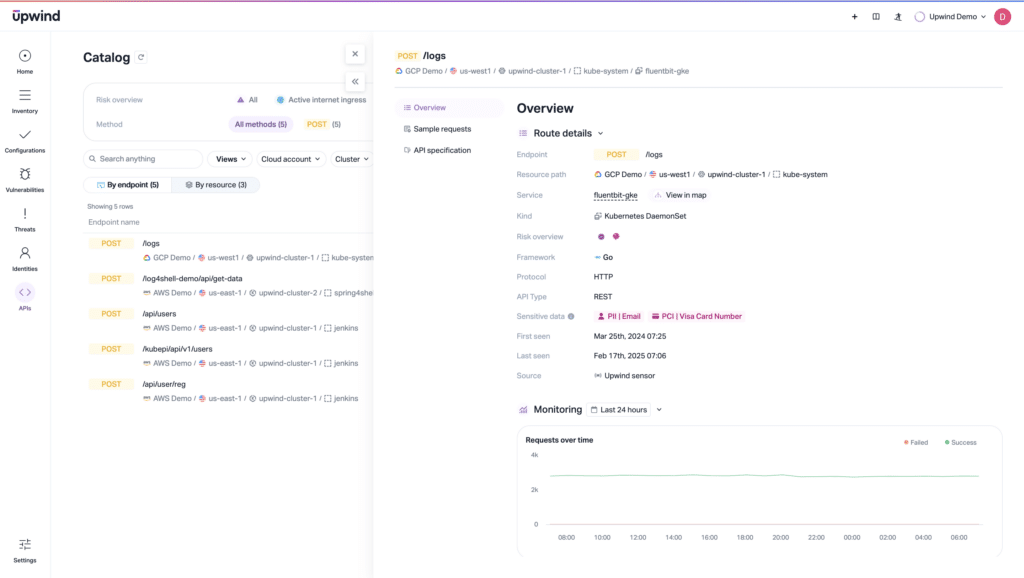
Think Cloud
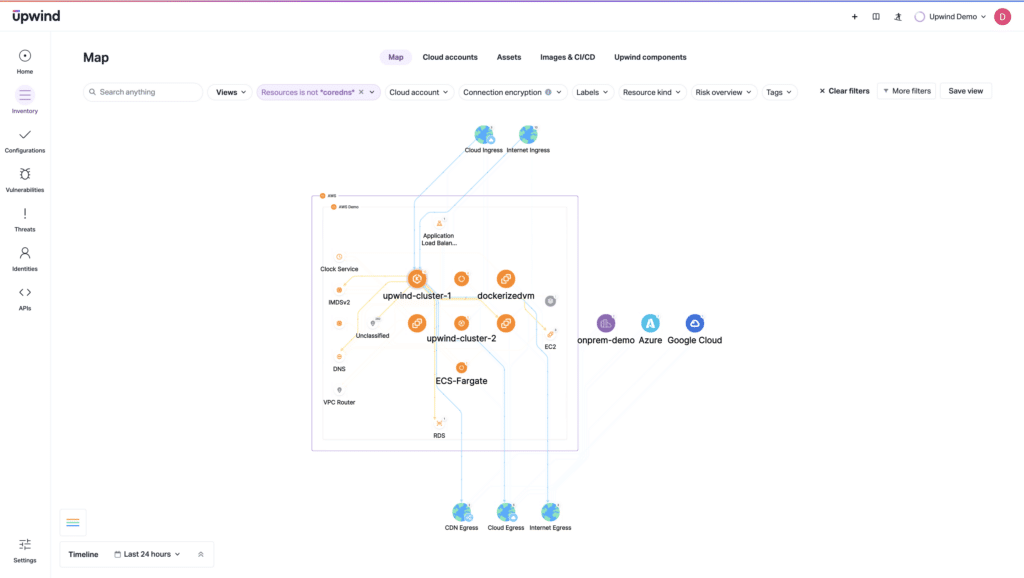
It’s modern architectures that have made the threat landscape increasingly complex. Response plans need to match this landscape. Make sure your template accounts for your architecture and points to, or includes, playbooks and workflows that aren’t rooted in traditional IT, but in the realities of cloud computing. For instance, account for ephemerality or multi-cloud setups in your plans.
Example: An organization with multi-cloud deployments can adapt its template to include processes for monitoring and responding to threats in both AWS and Azure platforms, for example, analyzing logs from each in a unified dashboard.
Go Beyond DevSecOps
Customize the template based with input from, and details on roles for, HR teams, communications, PR, legal, IT, and compliance. Incorporate how to coordinate cross-department efforts.
Example: An organization creates an incident response timeline based on the severity of the hypothetical threat, including roles across various functions and plans for their coordination linked to specific workflows post-incident.
Put the Template to the Test
Live in the template you’ve created to pinpoint its potential bottlenecks and gaps. Create tabletop exercises to get a feel for how your plan might look in real-world scenarios.
Example: An organization simulates a phishing attack and employs its incident response workflows to assess how well its tools, teams, and approaches work together to address the attack.
Incorporate Automation
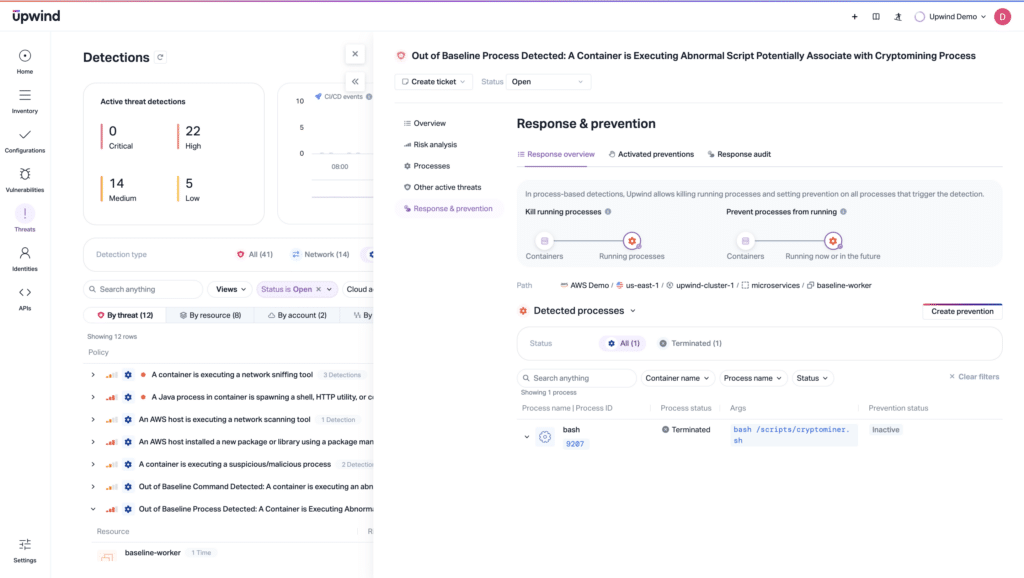
Account for your existing stack and gaps you may fill as you build your incident response functions, and consider automating tasks that could slow response, like threat detection, containment triggers, and initial remediation efforts.
Example: An organization incorporates tools to isolate compromised containers and notify team members when threats are detected, eliminating the lag that comes from manual detection and response.
Define Your Metrics
Establish measurable goals for evaluating and responding to threats, like mean time to detect (MTTD) and mean time to respond (MTTR). Build them into your plan to improve over time.
Timeline/Checklist Format Examples
Many teams find that a timeline and a checklist are the most-used parts of their IRP during a live event. The timeline records what happened and when. The checklist keeps responders from skipping steps under pressure.
Fill-In Incident Timeline Template
| Phase | Timestamp (UTC) | Owner | Actions and Notes |
| Detection | [YYYY-MM-DD HH:MM] | [Name/Role] | How the incident was detected (alert, user report, third party) and the first indicator observed. |
| Triage | [YYYY-MM-DD HH:MM] | [Name/Role] | Incident confirmed or dismissed, severity assigned, incident commander named. |
| Containment | [YYYY-MM-DD HH:MM] | [Name/Role] | Systems isolated, accounts disabled, access blocked, evidence preserved. |
| Eradication | [YYYY-MM-DD HH:MM] | [Name/Role] | Root cause identified and removed, vulnerabilities patched, credentials rotated. |
| Recovery | [YYYY-MM-DD HH:MM] | [Name/Role] | Systems restored and validated, heightened monitoring in place. |
| Communications | [YYYY-MM-DD HH:MM] | [Name/Role] | Internal updates, customer notices, regulator or law enforcement notifications sent. |
| Post-Mortem | [YYYY-MM-DD HH:MM] | [Name/Role] | Review held, lessons learned recorded, action items assigned. |
Live Incident Checklist
- Confirm the incident and assign a severity level.
- Name an incident commander and open a dedicated communication channel.
- Start the timeline and record every action with a timestamp.
- Preserve logs, snapshots, and other evidence before making changes.
- Contain affected systems, accounts, and workloads.
- Notify legal, communications, and leadership based on severity.
- Identify and remove the root cause.
- Restore and validate systems, then monitor for recurrence.
- Check regulatory and contractual notification requirements.
- Schedule the post-mortem and assign follow-up owners.
Worked Example: Phishing Incident Timeline
The following hypothetical timeline shows how a completed record might read for a credential phishing incident.
| Phase | Timestamp (UTC) | Actions and Notes |
| Detection | 09:12 | An employee reports a suspicious login prompt after clicking an emailed link. Minutes later, an alert flags a sign-in to the same account from an unfamiliar location. |
| Triage | 09:25 | The security on-call confirms the account is compromised, assigns High severity, and names an incident commander. |
| Containment | 09:40 | Sessions are revoked, the password is reset, MFA is re-enrolled, and the phishing email is purged from all mailboxes. Sign-in logs are exported for evidence. |
| Eradication | 11:05 | Investigators find and remove a malicious mail-forwarding rule and block the sender domain and phishing URL. |
| Recovery | 12:30 | The account is returned to the user, and enhanced monitoring is enabled on the account and related systems for the next 30 days. |
| Communications | 13:00 | Leadership receives a summary. Legal reviews accessed data to determine whether external notification is required. A company-wide phishing warning is sent. |
| Post-Mortem | Day 3, 15:00 | The team reviews the timeline, notes the gap between report and containment, and adds automated forwarding-rule alerts and a refresher training to the action items. |
Timeline templates do more than keep teams organized in the moment. A timestamped record supports evidence collection by showing when artifacts were captured and by whom, which matters if the incident leads to legal action or insurance claims. It gives communications and compliance teams accurate facts for internal reports and regulatory notifications. And it makes the post-mortem concrete, showing exactly where delays occurred so teams can improve metrics like MTTD and MTTR over time.
How to Choose an Incident Response Template
Before teams can customize an incident response template, they’ll need to choose one. And which works best for their organization will differ on the basis of their needs and environment. Examining the table below is a start when evaluating the different templates available.
| Trait | Description | Questions to Ask |
| Comprehensiveness | Covers all key stages of incident response: preparation, detection, containment, eradication, recovery | Does the template include guidance for every phase of the incident response lifecycle, and does it map to all six CSF 2.0 functions, including governance? |
| Adaptability | Can be customized to fit your unique organizational structure, systems, and threat landscape. | Can this template be tailored for our specific industry or security stack? |
| Relevance for Cloud | Accounts for modern architectures, including multi-cloud, containers, and serverless environments. | Does the template address threats and workflows specific to cloud infrastructure? |
| Integration Potential | Can integrate with existing tools, workflows, and metrics for seamless implementation. | Will this template work with our current security tools, like runtime scanning or threat intelligence feeds? |
| Simplicity | Offers clear, actionable steps without unnecessary complexity. | Is the language clear and accessible for everyone involved in incident response, including legal and PR teams? |
| Regulatory Alignment | Addresses compliance requirements specific to industry or region. | Does this template align with compliance mandates like GDPR, HIPAA, or PCI DSS, and does it support concrete reporting timelines, such as the 24-hour early warning that organizations subject to NIS2 may need to submit? |
| Real-World Validation | Proven in real-world scenarios or backed by authoritative sources. | Has this template been tested or used successfully by similar organizations? |
Many of these traits might make up an organization’s template checklist or wishlist. But they also represent some common compromises to contemplate: does the team value comprehensiveness more than simplicity, as these two often contradict? Is compliance more important than integration with existing workflows and tools?
Operational and Regulatory Requirements to Add to Your Template
Generic templates tend to fail under pressure, because phrases like “notify stakeholders” leave out who acts, through which channel, and when. Whichever template a team chooses, the finished plan has to be operational, meaning it can be executed by whoever is on call when an incident hits. Make sure your customized template includes:
- Current contacts: Up-to-date contact details, with at least two ways to reach key people, and a simple decision tree the on-call responder can follow.
- Clear decision authority: Who can isolate systems, disable accounts, engage specialists, approve customer communications, and contact regulators.
- Evidence handling: Clear instructions for preserving evidence before anyone changes systems.
- Communications procedures: Approved channels, message ownership, and update frequency for internal and external communication, not just a reminder to communicate.
Regulatory decision points belong in the plan, too. For UK organizations, the Information Commissioner’s Office notes that certain personal data breaches must be reported without undue delay and, where feasible, within 72 hours of becoming aware of them. Your template should account for that window.
10 Common Templates to Consider
To find the best resource for multiple types of organizations, we’ve outlined top incident response templates, with insights that differentiate them from the alternatives for easy evaluation.
NIST Computer Science Incident Handling Guide (SP 800-61)
Globally recognized, highly detailed, and compliance-oriented, NIST is ideal for regulated industries. It’s strong in foundational guidance but less specific to cloud environments or modern architectures. NIST works best for enterprises, government agencies, and compliance-heavy industries.
Find it here: NIST SP 800-61
SANS Incident Handler’s Handbook
Actionable and user-friendly, SANS provides beginner-friendly insights without sacrificing depth. It’s simplistic compared to NIST but better suited for smaller teams and less mature security programs.
Find it here: SANS Handbook
AWS Incident Response Playbook
AWS offers a cloud-specific playbook with practical steps for AWS environments, addressing identity, EC2, and S3 incidents. It’s strong for AWS users but lacks general applicability to other cloud platforms.
Find it here: AWS Incident Response Playbook
Google Cloud Platform (GCP) Data Incident Response Process
This framework is designed to manage data incidents effectively. It’s tailored to GCP, making it less applicable to hybrid and multi-cloud environments compared to SANS or NIST, but could work well in organizations operating in GCP ecosystems.
Find it here: GCP Data Incident Response Process
University of Berkeley Security Incident Response Plan
Make a copy of this Google document, which includes information on organizational architecture, security incident confirmation and remediation, to get a head start on your security incident response. The Berkeley response template won’t help you move beyond traditional systems to focus on the cloud, nor will it coalesce multiple teams.
Find it here: University of Berkeley Incident Response Template
CISA Incident Response Plan Basics
CISA provides foundational guidance on developing an incident response plan, including clarifying roles and responsibilities and key activities before, during, and after a security incident. It’s not a detailed template, but it offers essential elements and considerations for creating an effective incident response plan, serving as a solid starting point.
Need authoritative guidance? This checklist will help organizations stay on the right track.
Find it here: CISA Incident Response Plan Basics
California Government Department of Technology
This 4-page outline is extremely detailed when it comes to traditional IT response, documenting discovery of incidents, contacting response teams, and creating tickets. But procedures to avoid breaches and playbooks to remediate the issue aren’t included, nor is working across teams.
Download it here: California Department of Technology Incident Response Plan Example
Government of Victoria (Australia) Incident Response Template
Victoria offers up an extremely comprehensive document that’s easy to amend, and includes everything from identification of breaches to the differences between procedures for internal vs. external communication. Appendices add valuable assets, like templates for evidence collection and internal memos.
Download it here: Victoria Government Cyber Incident Response Plan Template
National Institute of Health IR Template
The NIH template includes lengthy sections on systems and system ownership. It’s built for healthcare, so organizations operating outside that model may have more trouble reworking the template to meet their needs. However, it includes a balanced, moderate amount of detail on all parts of the incident detection and response process, making it a good source from which to add to more bare-bones templates.
Download it here: NIH Incident Response Template
University of Connecticut’s Incident Response Plan
This large public university’s incident response plan is high-level and difficult to amend for differing industries, but might serve as a model for organizations looking to put together a general policy for their own incident response for the first time, defining roles and policies at a basic level.
See it here: Incident Response Plan
Production-Specific Incident Response Template
A production incident template is built for a different first priority than a security IRP. A security plan starts from the assumption of an adversary and focuses on containment, evidence, and eradication. A production plan starts from an outage or degradation and focuses on uptime, customer impact, and restoring service as quickly as possible, often through a rollback. The two overlap, but a production template puts rollback decisions and status-page communications front and center.
Production Incident Template
| Field | Details to Record |
| Incident ID and Title | [Date-Service-Short Description] |
| Severity | [SEV1: full outage or major customer impact / SEV2: partial degradation / SEV3: minor impact / SEV4: no customer impact] |
| Incident Commander | [Name, contact] |
| Start Time / Detection Time | [Timestamps and detection source] |
| Affected Services | [Services, regions, clusters, dependencies] |
| Customer Impact | [Who is affected, what they experience, estimated scope] |
| Suspected Cause | [Recent deploy, config change, infrastructure failure, dependency, unknown] |
| Mitigation Actions | [Actions taken, owner, timestamp, result] |
| Rollback Decision | [Roll back / roll forward / no rollback. Decision owner, rationale, timestamp] |
| Status-Page Communications | [Initial post time, update cadence, current message, resolved notice] |
| Security Escalation Check | [Any signs of compromise? Yes / No. If yes, escalation time and security contact] |
| Service Restored | [Timestamp and validation method] |
| Follow-Up | [Post-mortem date, action items, owners] |
Production Incident Roles
- Incident Commander: Owns decisions and coordination, including the rollback call, and keeps responders focused.
- SRE/On-Call: First responder who investigates alerts, gathers telemetry, and executes mitigation steps.
- Engineering Lead: Brings knowledge of the affected service, recent changes, and safe rollback or fix options.
- Communications Lead: Owns status-page updates, customer support messaging, and internal stakeholder updates.
- Security: Joins when compromise is suspected to assess indicators, guide evidence preservation, and decide whether to open a security incident.
When to Escalate to Security Incident Response
Production incidents should move into the security IRP workflow when any of the following appear:
- Unexplained configuration, IAM, or infrastructure changes that no one on the team made
- Unknown processes, binaries, or network connections on affected workloads
- Unusual authentication activity or use of credentials outside normal patterns
- Signs of data access or transfer that don’t match expected traffic
- Encrypted files, ransom notes, or resource exhaustion consistent with cryptomining
Once escalated, the priority shifts. Before rolling back, rebuilding, or terminating workloads, teams should preserve logs, snapshots, and other evidence that a restore could erase. Security takes over or co-leads the response, and the production template becomes one input to the broader security incident record.
Small Business-Specific IRP Template
Small businesses rarely have a dedicated security team, so their IRP needs to be short enough to use and realistic about who will do the work. The template below is designed to fit on about one page, with shared responsibilities and a contact list that does much of the heavy lifting.
One-Page IRP Template
| Section | Fill In |
| Purpose | How [Business Name] will respond to cyber incidents to protect customers, data, and operations. |
| Critical Systems and Data | [Email, accounting, customer records, website, cloud apps, payment systems] |
| How to Report an Incident | [Who to call or message, backup contact] |
| Severity | [High: business stopped or sensitive data exposed / Low: limited, contained issue] |
| First Steps | Disconnect affected devices, change compromised passwords, do not delete evidence, call the incident lead. |
| Recovery | [Where backups are stored, who restores them, how to verify] |
| Communications | [Who speaks to staff, customers, and partners. Who approves messages] |
| After the Incident | Short review of what happened and what to change. Update this plan. |
| Last Reviewed | [Date] / Next review: [Date] |
Simple Role Map
| Role | Primary | Backup | Covers |
| Incident Lead | [Owner/Manager] | [Name] | Decisions, IT coordination, communications, vendor coordination |
| Technical Support | [MSP/MSSP or IT contact] | [Name] | Containment, investigation, restoring systems |
| Business Continuity | [Office/Operations Manager] | [Name] | Keeping operations running, informing staff |
In many small businesses, one person will hold the incident lead role and handle IT coordination, communications, and vendor contact at once. Naming a backup matters just as much as naming the primary.
Contact List
| Contact | Name / Company | Phone and Email | Account or Policy Number |
| MSP/MSSP | [ ] | [ ] | [ ] |
| Cyber Insurer | [ ] | [ ] | [Policy number, claims hotline] |
| Outside Counsel | [ ] | [ ] | [ ] |
| Cloud Providers | [ ] | [Support portal, phone] | [Account ID] |
| Law Enforcement | [Local agency or national cybercrime reporting] | [ ] | [ ] |
Even a lightweight plan should never skip these minimum fields:
- A named incident lead and a backup
- How to report an incident
- A list of critical systems and data
- Backup location and restore owner
- Cyber insurer contact and policy number, since many policies set requirements for how and when to report
- A review date
Upwind Helps Teams Find and Respond Faster
As a comprehensive, modern CNAPP, Upwind can’t tell you which team members to call. However, it can support the teams in your IRP with real-time scanning powered by machine learning that captures anomalies and prioritizes high-risk behaviors or remediates them automatically. As a tool that uses runtime analysis to get to the root of incidents faster, Upwind can help your team find causes, fix issues, and get back to business.
To see it in action, schedule a demo.
FAQ
What are the 7 steps of an incident response plan?
The 7 steps of an incident response plan provide a structured approach throughout the chronology of an incident:
- Preparation before an incident
- Detection of an active incident
- Containment
- Eradication
- Recovery
- Lessons learned
- Testing and validation
How do you format an incident statement?
Incident response statements should include key facts about an incident formatted in straightforward, non-technical language so they’re understood by stakeholders, managers, and external parties alike. Include:
- The incident name or identifier, formatted according to organizational norms, often by the date and type of incident.
- The date and time of the incident.
- A high-level, one-sentence summary of what occurred and where in the system, the cause, and the result — for instance, exposed customer data. Include information on business disruption if applicable.
What does a good incident response plan look like?
A good incident response plan (IRP) is comprehensive enough to support teams and to be actionable but flexible enough to cover multiple incident types, and is tailored to the specific needs of an organization.
While the size and scope of a good IRP can differ, all good examples include:
- Clear objectives
- Defined roles and responsibilities
- Plans across multiple scenarios
- Steps to take to respond, in order
- Ways to classify incident severity and prioritize incidents by impact and urgency
- Guidance on communication internally and externally
- Information on compliance, if required
- Integration with existing tools, like a runtime-powered CNAPP to support ephemeral architectures and manage container security and real-time threat detection and prioritization
- Allowances for testing, updates, and lessons learned to improve this living document
What are incident response playbooks?
Incident response playbooks are predefined guides with steps to take in given scenarios to address incidents or recover from them. Unlike a general Incident Response Plan (IRP), playbooks offer specific and detailed instructions tailored to specific threats. They can be used alongside broader IRPs to coordinate roles and tasks during an incident.
Can I get a free incident response plan template I can copy and use right away?
Yes. Several templates listed above, like the Berkeley Google document, can be copied directly. ComplyJet also offers a free, downloadable incident response plan template with sample clauses, covering roles and backups, a severity classification, a communication tree, phase-by-phase response steps aligned to NIST’s model, documentation requirements, and a post-incident review process. Its guide also explains how SOC 2, ISO 27001, HIPAA, and GDPR treat incident response requirements.
What should an information security incident response plan template include specifically?
Beyond purpose and scope, a security IRP template should include revision history, a testing and review cycle, the authority responsible for incident handling, and definitions of key terms. It should also describe how to recognize an incident and list the cyber security incident response team (CSIRT) with lead and backup contacts. Add the incident types the plan covers, a severity matrix based on factors like the number and criticality of affected systems and the spread of the incident, the incident handling process, approvals, and references.
Innovation, Science and Economic Development Canada’s Cybersecure Canada program publishes a fillable template and completed example built around these sections. Its guidance says a plan should be reviewed and updated at least once every three years, and it leaves testing frequency to the organization.