
Security teams should not have to switch between tools to understand what is happening across their cloud environments. That’s why we’re excited to announce that the Upwind solution for Microsoft Sentinel is now available through the Microsoft Marketplace and the Microsoft Security Store.
The integration brings Upwind security data directly into Microsoft Sentinel, helping security operations teams investigate threats, prioritize vulnerabilities, monitor cloud posture, and build detections using the SIEM workflows they already rely on.
Bring Upwind Context Directly Into the SOC
Upwind helps organizations understand cloud risk with the context needed to focus on what matters most. With the new Microsoft Sentinel integration, that security data can now be analyzed alongside identity, endpoint, network, and other enterprise telemetry.
Instead of moving between Sentinel and the Upwind console during an investigation, analysts can query and correlate Upwind data directly within their existing SOC environment.
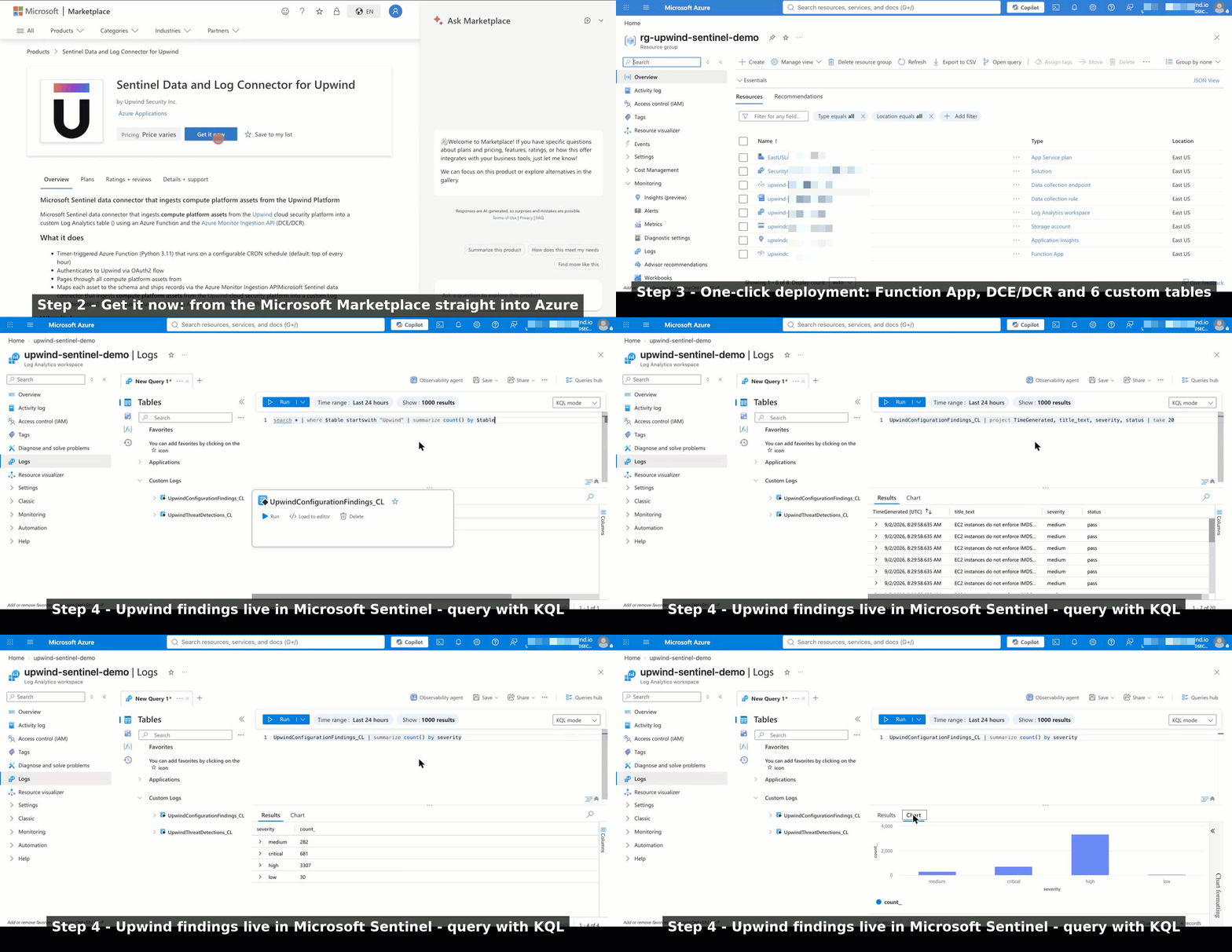
The connector ingests six Upwind datasets:
- Inventory and catalog assets
- Vulnerability findings
- Threat detections
- Threat events
- Threat stories
- Configuration and posture findings
Each dataset is sent to its own Log Analytics custom table, where it is ready for Kusto Query Language (KQL) queries, hunting, analytics rules, workbooks, and automated response workflows.
Inventory and vulnerability data are synchronized as full-state snapshots. Threat and posture datasets use a configurable time window, with a default 90-minute lookback, to keep recent activity available for investigation and correlation.
Designed for Fast, Reliable Deployment
The integration is packaged for straightforward deployment into the customer’s own Azure tenant.
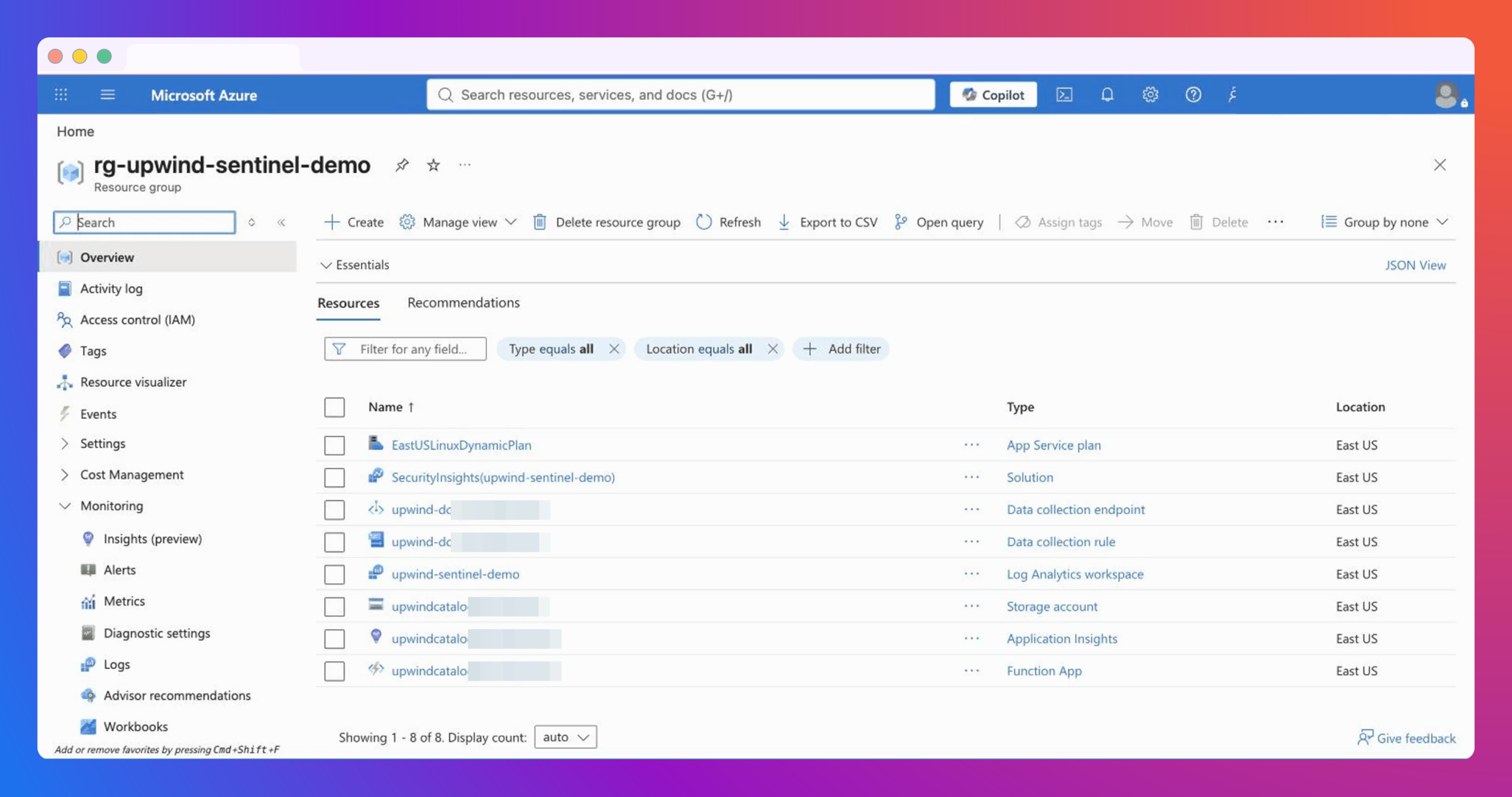
A single ARM template provisions the components required to begin ingesting Upwind data, including:
- An Azure Function App
- A Data Collection Endpoint
- Data Collection Rules and six data streams
- Six Log Analytics custom tables
- The required role assignment
The timer-triggered Azure Function connects to six Upwind API endpoints using OAuth2 authentication. By default, it synchronizes data every hour, although teams can adjust the schedule to meet their operational requirements.
Each dataset is also synchronized independently. If one API endpoint is temporarily unavailable, the connector can continue processing the remaining datasets instead of allowing a single issue to interrupt the entire integration.
This architecture helps reduce deployment effort while providing a resilient, maintainable connection between Upwind and Microsoft Sentinel.
Investigate Cloud Threats Alongside the Rest of Your Security Data
Cloud incidents rarely exist in isolation. A suspicious process running in a workload may be connected to an exposed identity, unusual network traffic, a vulnerable package, or activity detected by another security control.
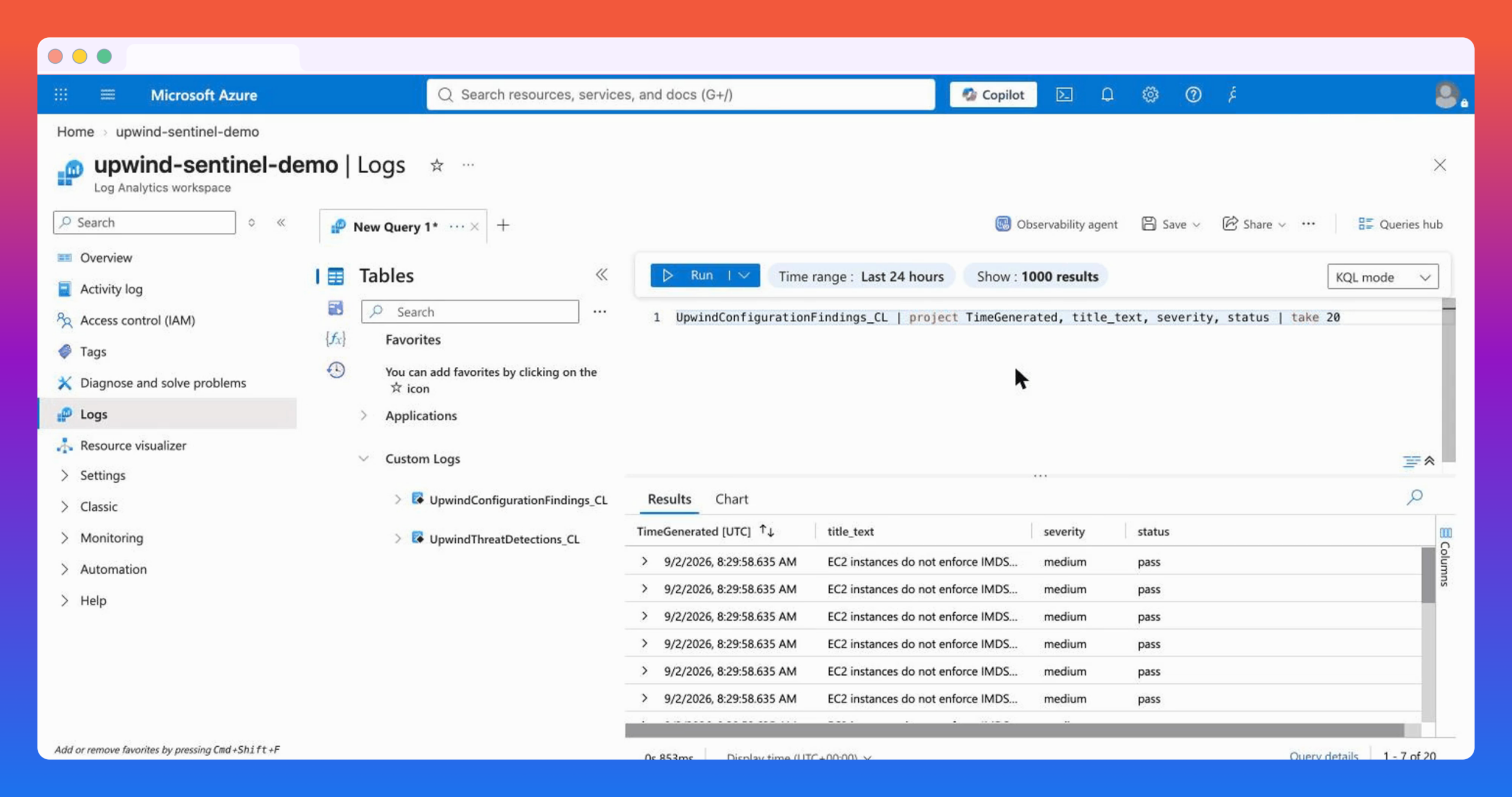
Bringing Upwind threat detections, events, and stories into Sentinel allows analysts to correlate cloud runtime signals with the rest of their security telemetry. They can investigate activity from a central location, add Upwind context to existing incident workflows, and reduce the time spent moving between consoles.
Security teams can also use Upwind data to build custom Sentinel analytics rules and playbooks, extending their established detection and response processes to cloud workloads.
Prioritize Vulnerabilities With Cloud Context
A long list of vulnerabilities does not tell defenders what to fix first. Teams need to understand which findings create meaningful risk within their actual environment.
With Upwind vulnerability and asset data available in Log Analytics, teams can use KQL to identify questions such as:
- Which critical or high-severity vulnerabilities remain open?
- Which vulnerabilities have an available fix?
- Which assets contain critical vulnerabilities?
- Which affected resources have elevated privileges?
- Which cloud assets combine multiple risk factors?
This makes it easier to move from severity-based queues toward risk-informed prioritization grounded in the context of the cloud environment.
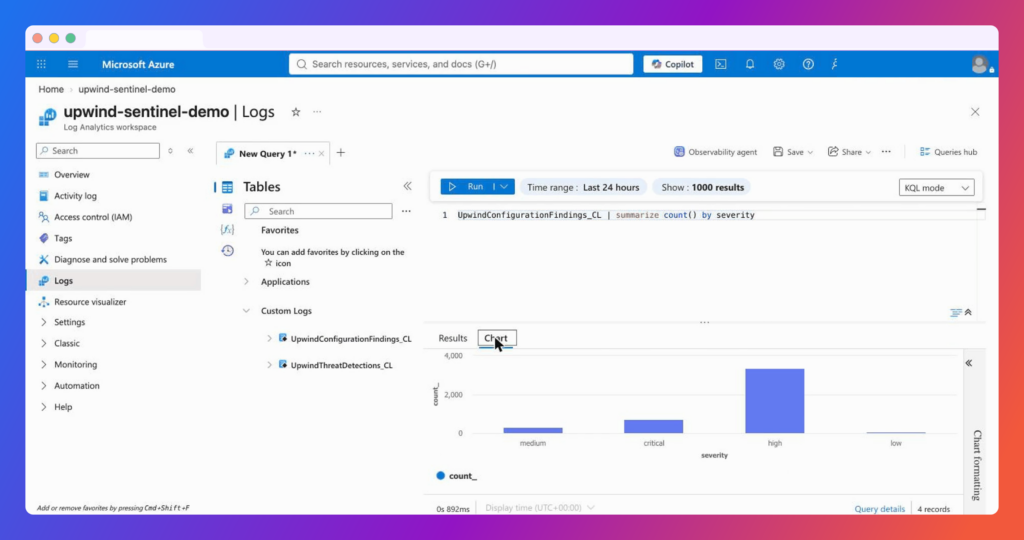
Extend Posture and Compliance Reporting
Upwind configuration findings can be incorporated into existing Sentinel queries and workbooks, helping teams monitor cloud posture without creating a separate reporting process.
For example, organizations can group failing configuration findings by compliance framework, cloud account, resource type, or severity. Those results can then support security reviews, compliance reporting, and remediation planning using the tools and dashboards already familiar to the SOC.
Keep Control of Security Data and Retention
All six datasets are ingested into the customer’s own Log Analytics workspace. Organizations can manage retention according to their internal requirements and preserve relevant Upwind findings for historical analysis, audits, investigations, and reporting.
This gives security teams the flexibility to combine current Upwind context with longer-term data retained under their established Azure policies.
Available Through the Microsoft Ecosystem
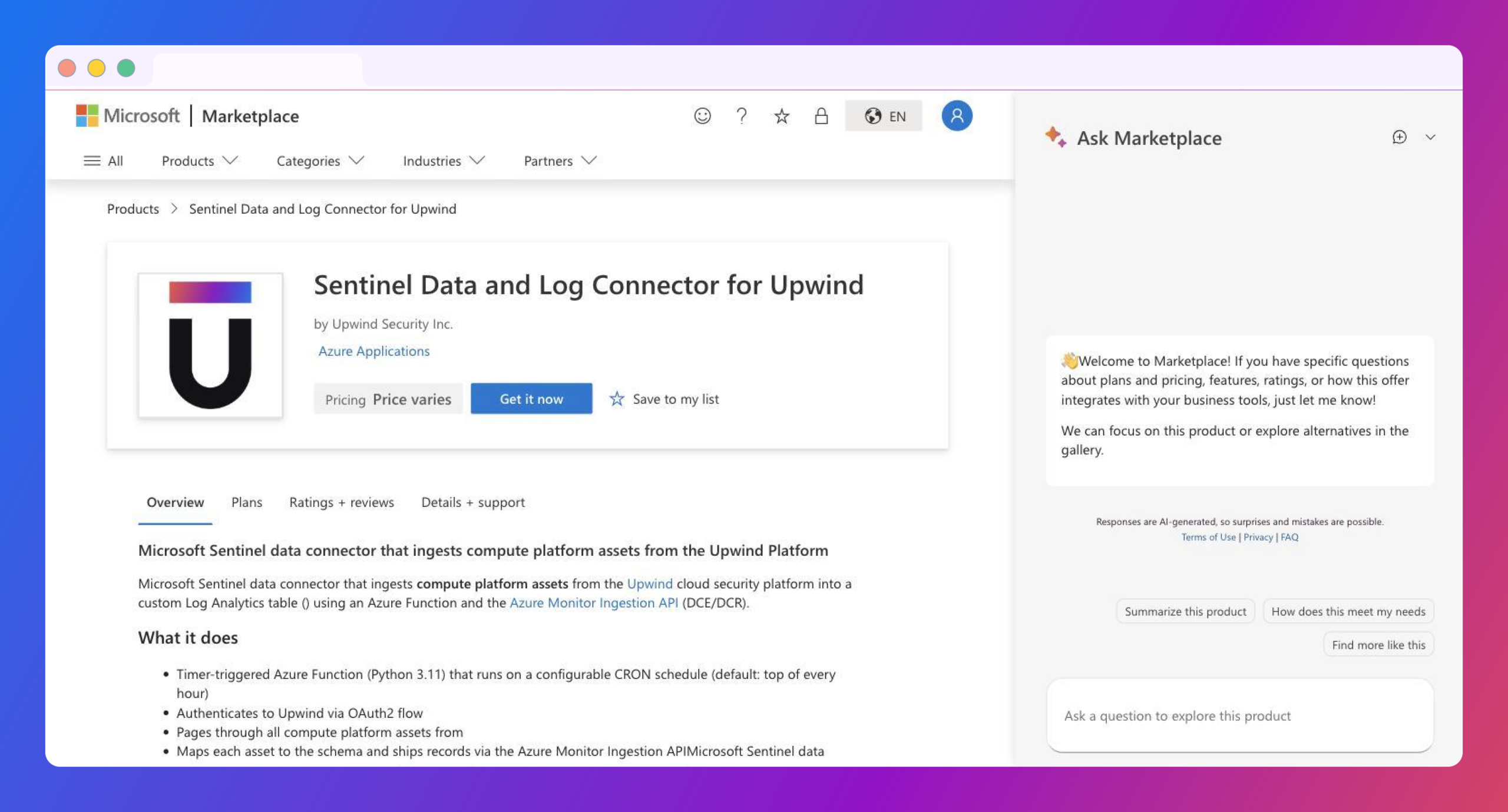
Publishing the solution through Microsoft’s ecosystem makes Upwind easier to discover and deploy for organizations that have standardized on Microsoft Sentinel.
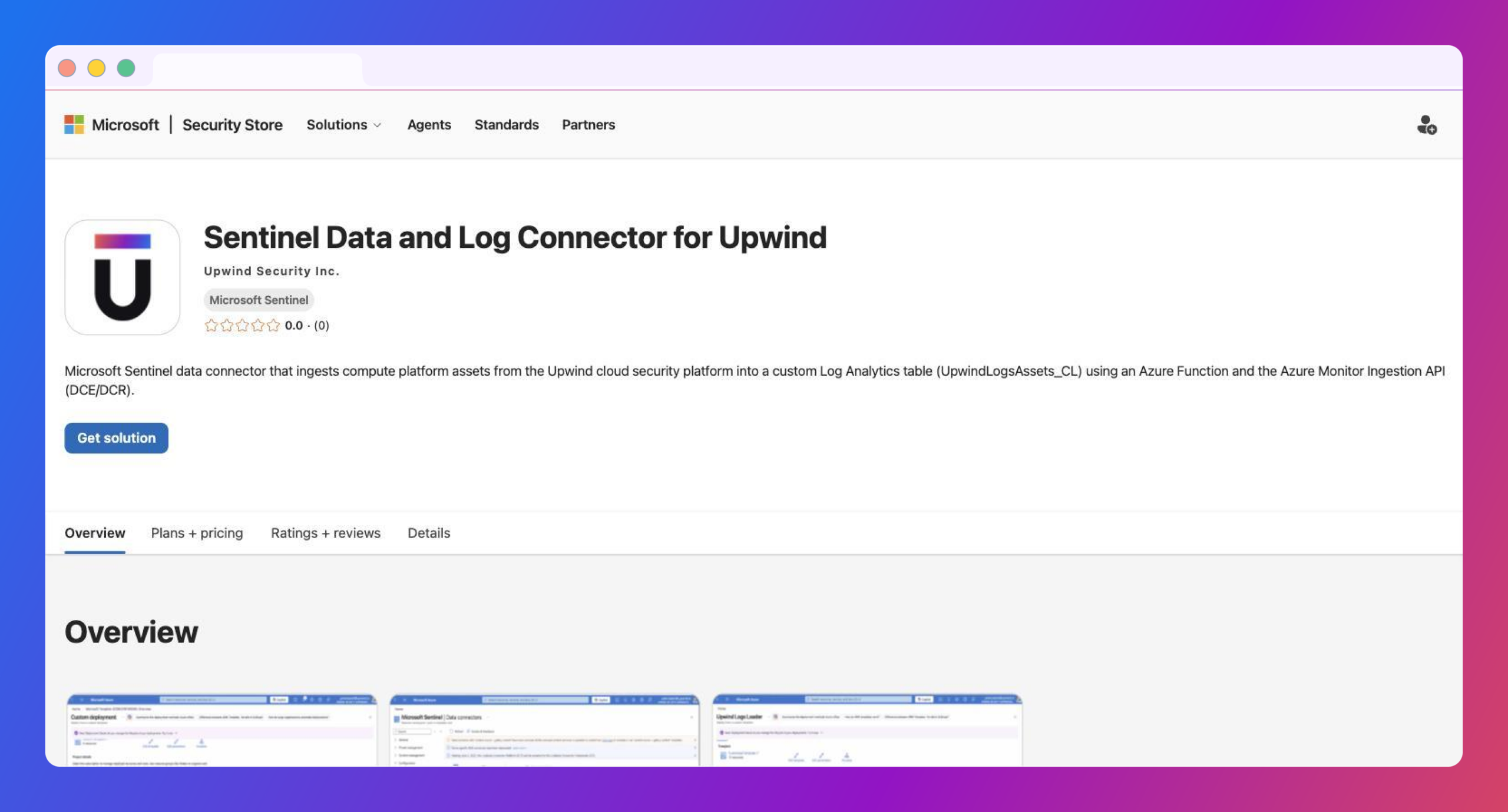
The integration is also available in Microsoft’s Azure-Sentinel repository, where teams can review its documentation, deployment parameters, table schemas, and sample KQL queries.