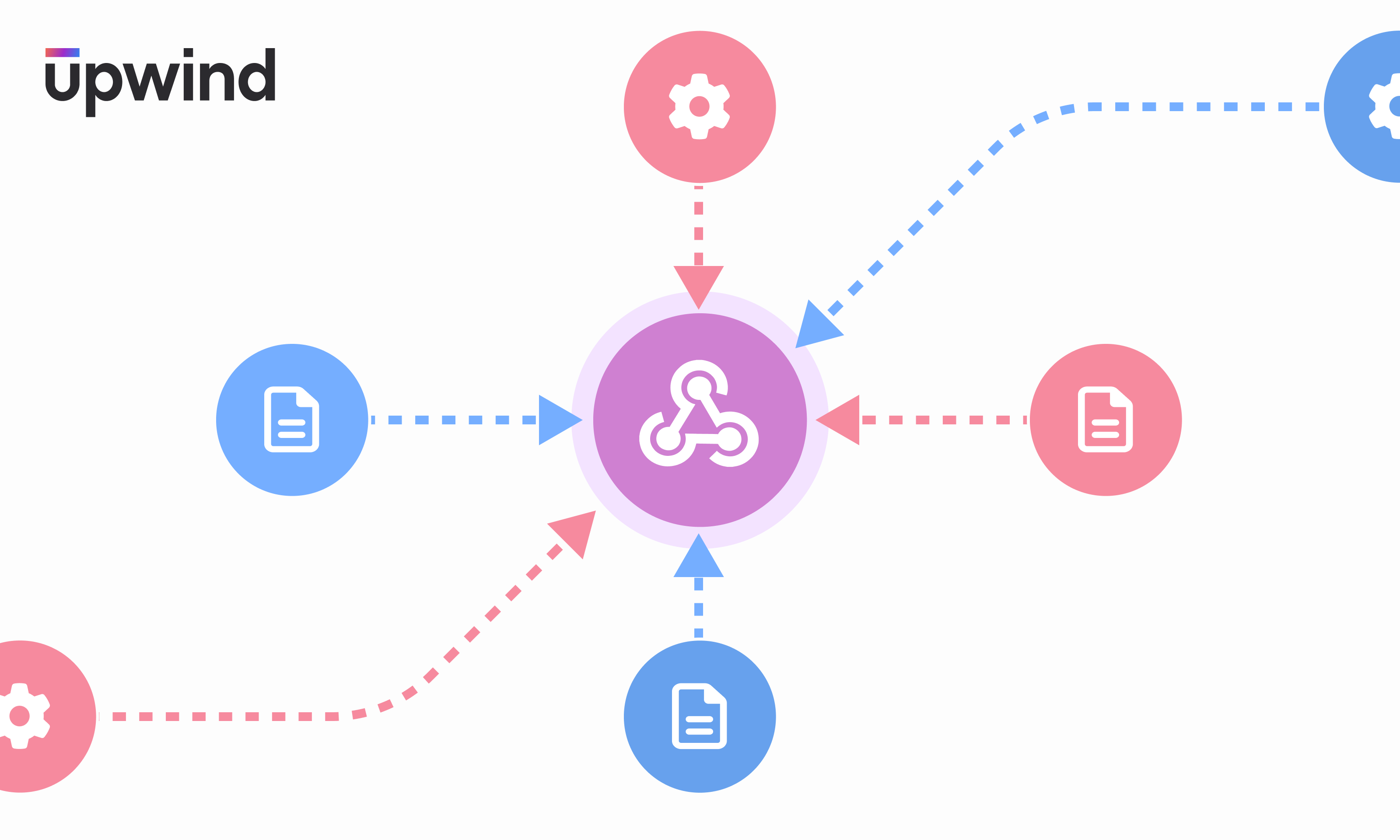
A diagram with a central purple circle with connected nodes. Blue circles with document icons point towards it, and pink circles with gear icons point away. The upwind logo is in the top-left corner.

Intelligently Utilize Upwind Findings in Your DevSecOps Workflow

Denise Ashur September 18, 2024

Intelligently Utilize Upwind Findings in Your DevSecOps Workflow

We are excited to introduce a new capability, allowing you to seamlessly export Upwind findings into your existing DevSecOps workflows. 

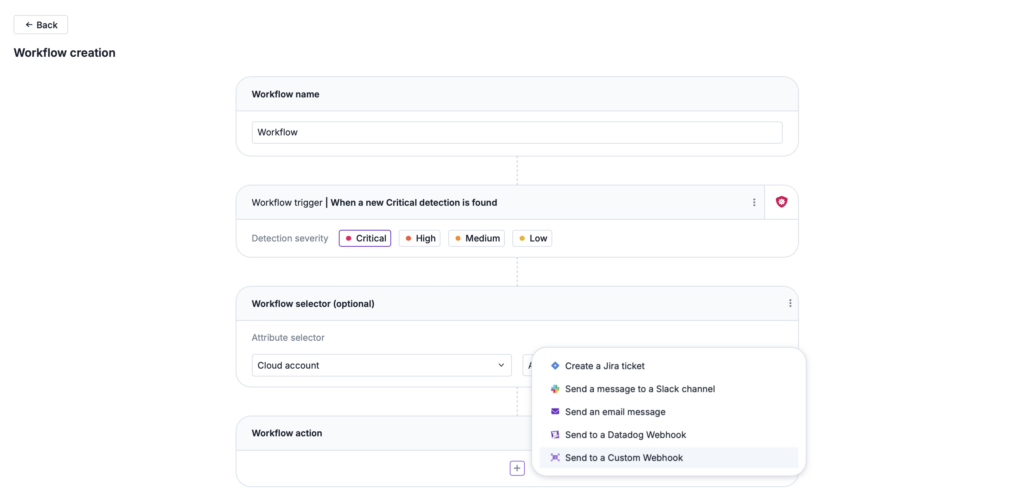
With this new capability, you can now export Upwind findings into your existing organizational workflow by using a custom webhook to integrate with third-party tooling such as an external SIEM (security information and event management) and SOAR (security orchestration, automation and response) platforms.
Screenshot-2024-09-04-at-6.29.15%E2%80%AFAM-1024x501

You can now easily export findings such as new threat detections, events, issues and vulnerabilities into the tooling of your choice, giving you increased flexibility for further investigation and data analysis within your existing workflows.

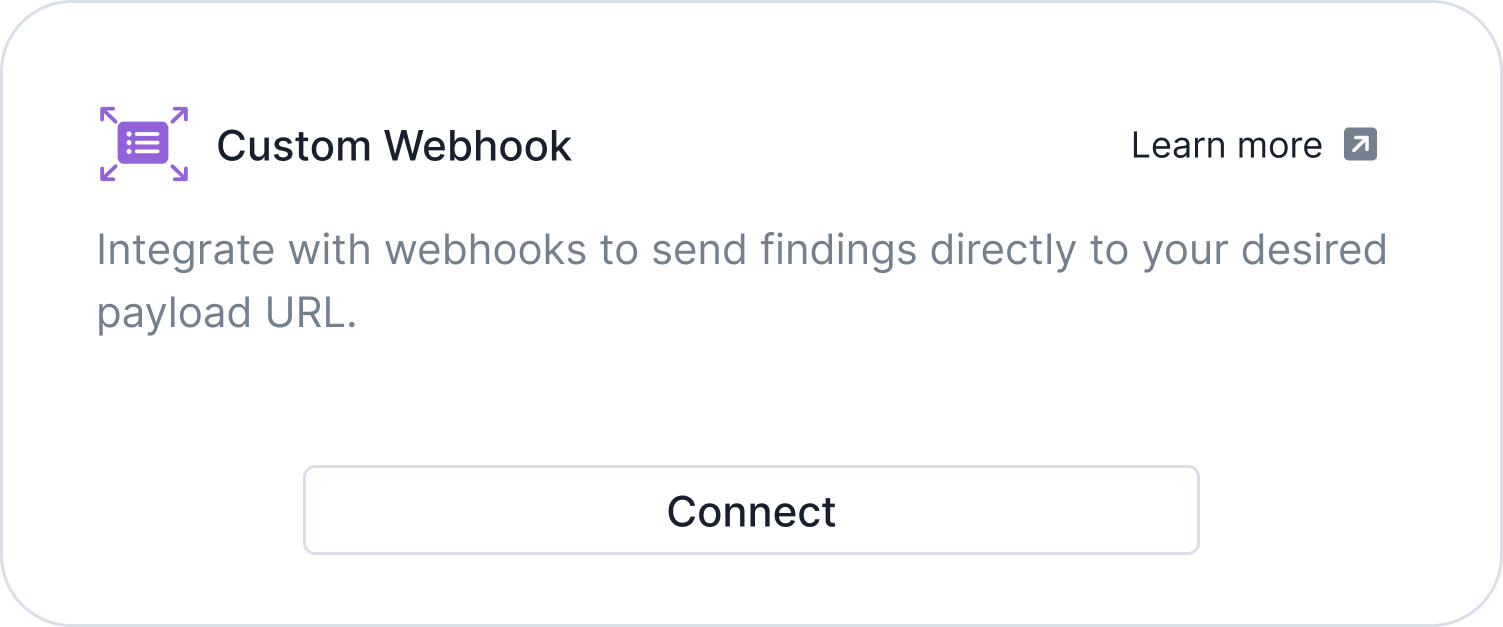
Using Upwind’s Custom Webhook Integration

This new capability to export Upwind findings to the tooling of your choice from the Upwind sensor through a webhook comes in addition to Upwind’s numerous existing integrations, giving you even more flexibility and customization options. 
webhook-integration

Upwind’s custom webhook essentially operates as an API but pushes data to an external platform rather than calling for it as an API would, ensuring that you consistently receive data updates as they occur. If you already have built a web application, using a webhook generally is as simple as adding a new URL to your application to process the data.
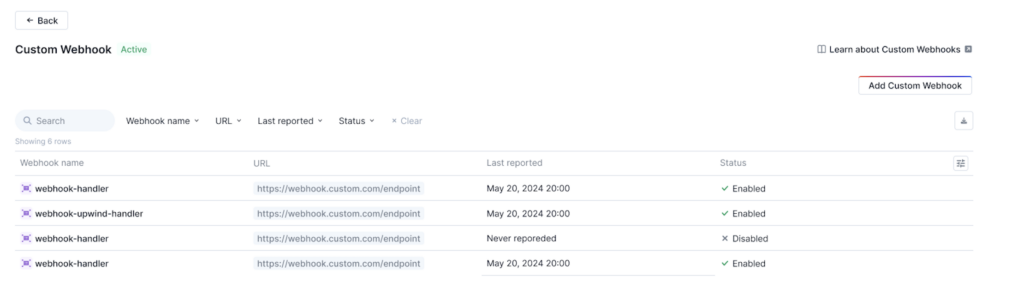
Screenshot-2024-09-04-at-7.00.33%E2%80%AFAM-1024x301

Use this new capability to seamlessly integrate Upwind findings and data into your existing DevSecOps workflows by exporting real-time raw data, performing advanced incident and response research, extending data analysis and streamlining auditing.

To learn more about Upwind’s integration capabilities, visit the Upwind Documentation Center (login required) or schedule a demo.
Contents

Further Reading

What IAM Sees That You Don't

What IAM Sees That You Don’t

Every IAM policy you write depends on condition keys - they're the precision layer that turns "can call S3" into "can call S3 only from our VPC, using our identity, on resources we own." They're the backbone of least-privilege, data perimeters, and SCP guardrails. But here's the thing: for every request, the IAM engine assembles…
Let Me Speak to Your Manager (Account)

Let Me Speak to Your Manager (Account)

The management account is the most privileged account in any AWS Organization. It controls SCPs, creates and deletes member accounts, manages IAM Identity Center, and is itself exempt from SCPs. Getting its 12-digit account ID is the first step in targeting it. The documented way to get it is organizations:DescribeOrganization - but security-conscious environments restrict…
Configuration-Focus

Introducing the new Configurations experience in Upwind

Compliance should not be a fire drill! Ask a security team how audit season goes and you will often hear a version of the same story. Someone pulls a list of cloud accounts. Someone else exports findings into a spreadsheet that is already outdated by the time it is shared. Screenshots get pasted into a…
Add the Upwind RSS Feed to Slack
Connect the Upwind RSS Feed to your Slack.
Follow the how-to here.
Threat RSS
Add the Upwind RSS Feed to Slack
Connect the Upwind RSS Feed to your Slack.
Follow the how-to here.
Main RSS