
We’re excited to announce the general availability of Global Search, enabling a simpler, more efficient way for all Upwind users to tame cloud security complexity.
A More Direct Way to Navigate the Platform
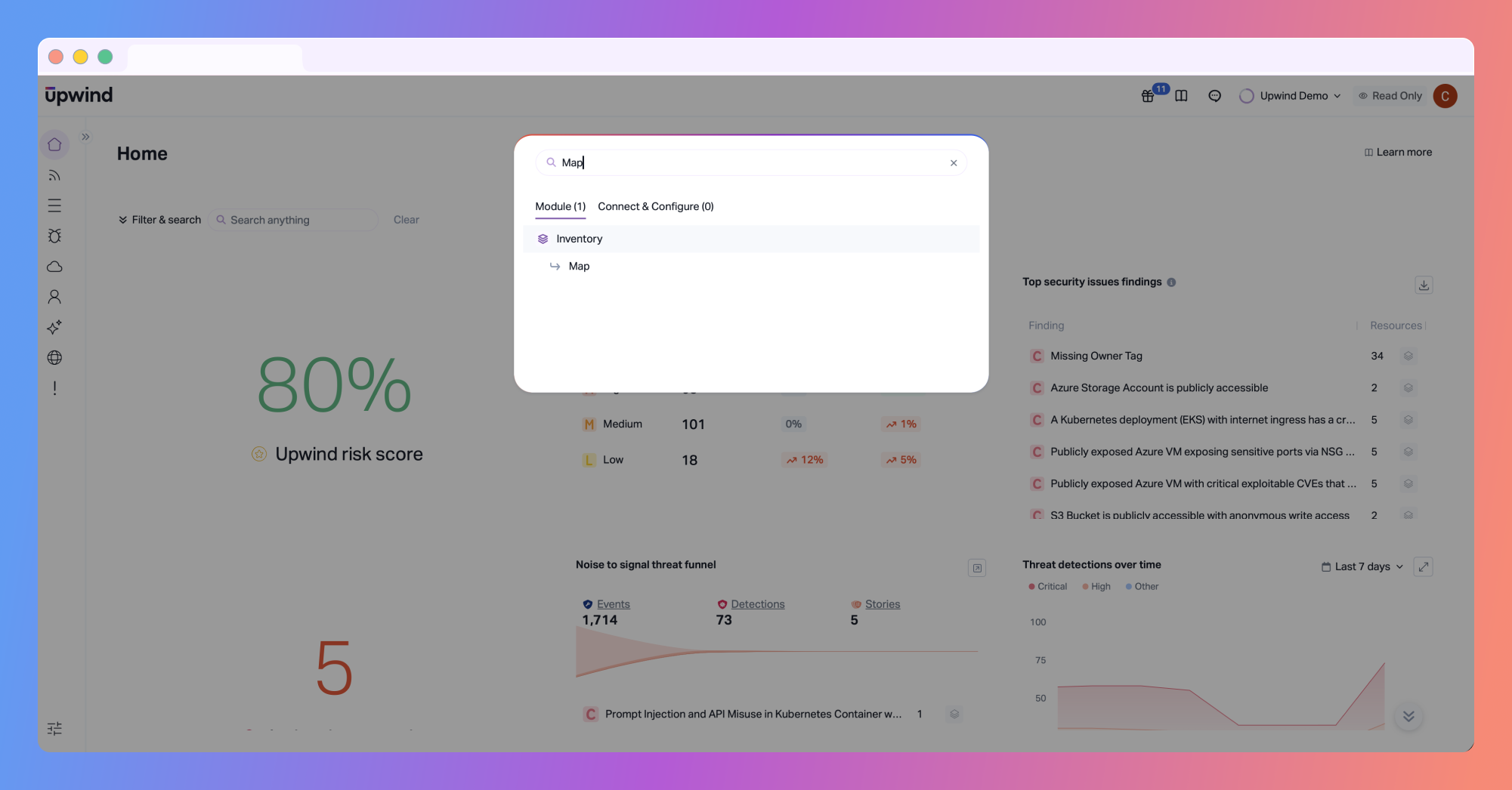
Security work often involves moving between dashboards, findings, graph views, and configuration workflows. Over time, even well-designed platforms can require more clicks and mental overhead than necessary. Global Search provides users with a straightforward way to get where they need to go. From anywhere in the Upwind console, users can search and jump directly to the relevant page or action, without navigating menus or remembering exactly where something lives.
Global Search is especially useful during investigations, reviews, or routine analysis, where maintaining focus and momentum matters. Instead of interrupting your workflow to hunt for the right view, Global Search helps you get there quickly and continue working with context intact.
Faster Access to Insights and Setup Workflows
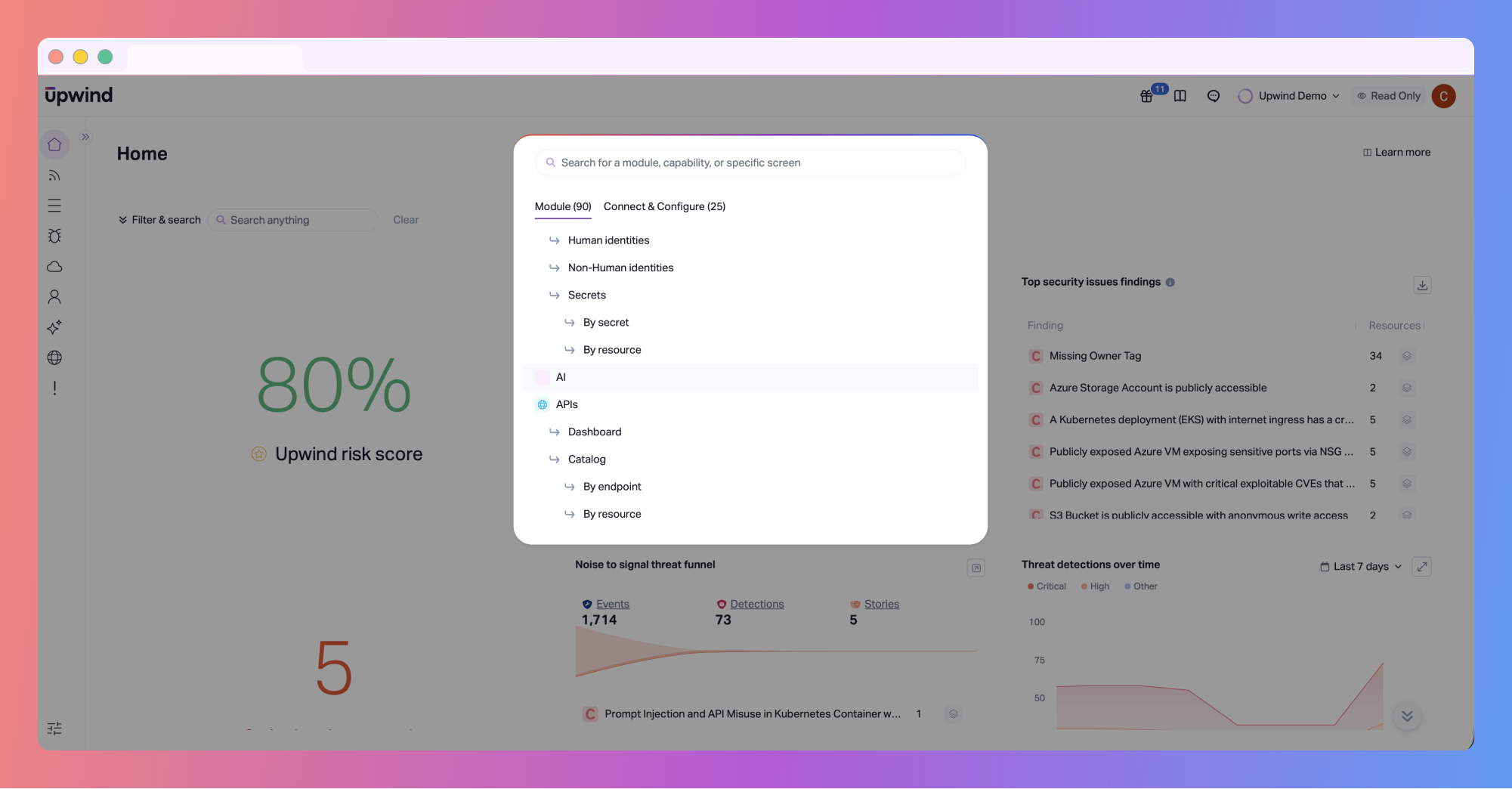
Upwind brings together runtime context, exposure, and relationships across cloud environments. Global Search makes it easier to reach those views when you need them.
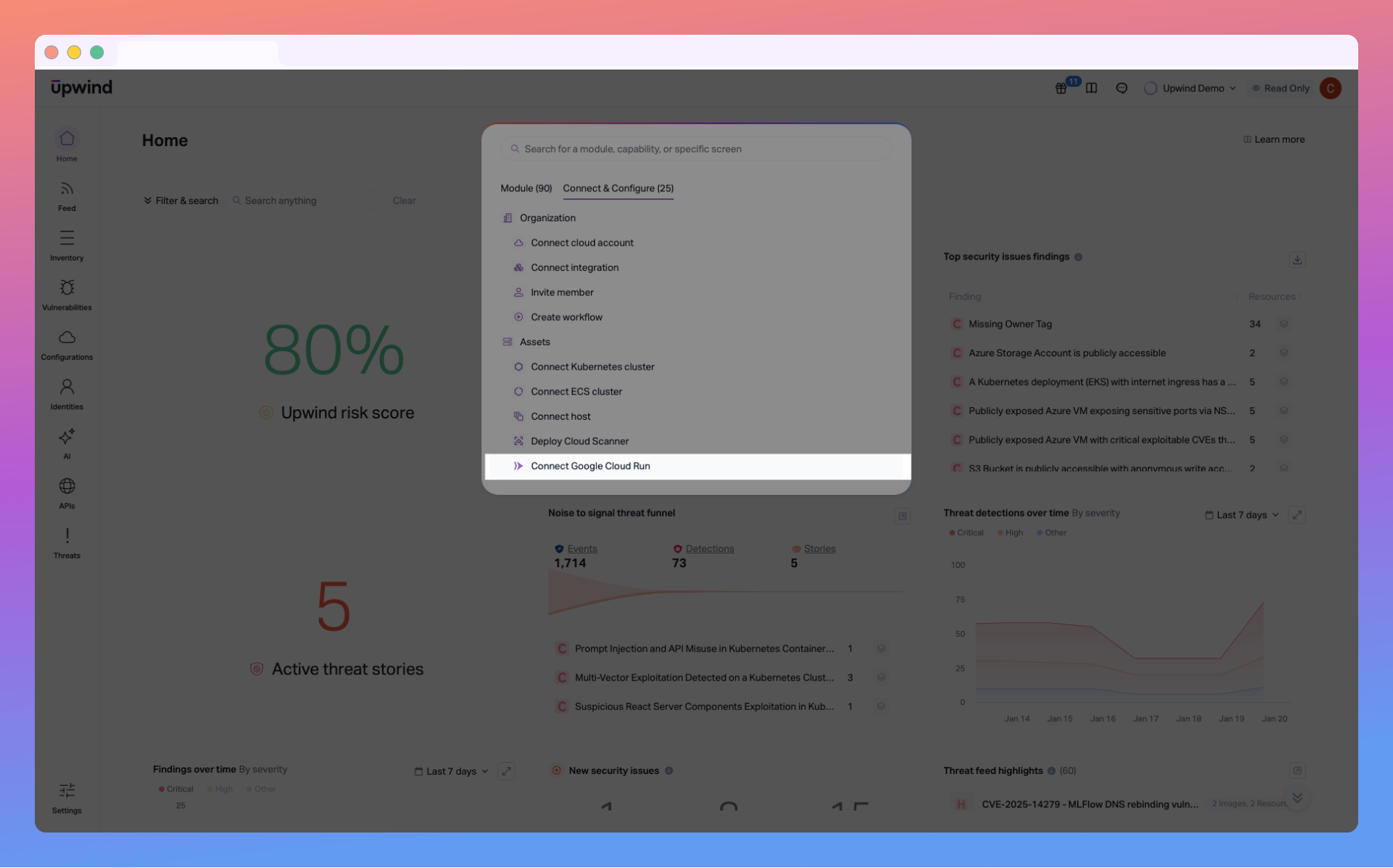
The Modules tab allows users to find and open product areas based on page names, tabs, or views, such as dashboards, security issues, or graph views. This reduces context switching and helps teams move more smoothly between different parts of the platform as they investigate risk.
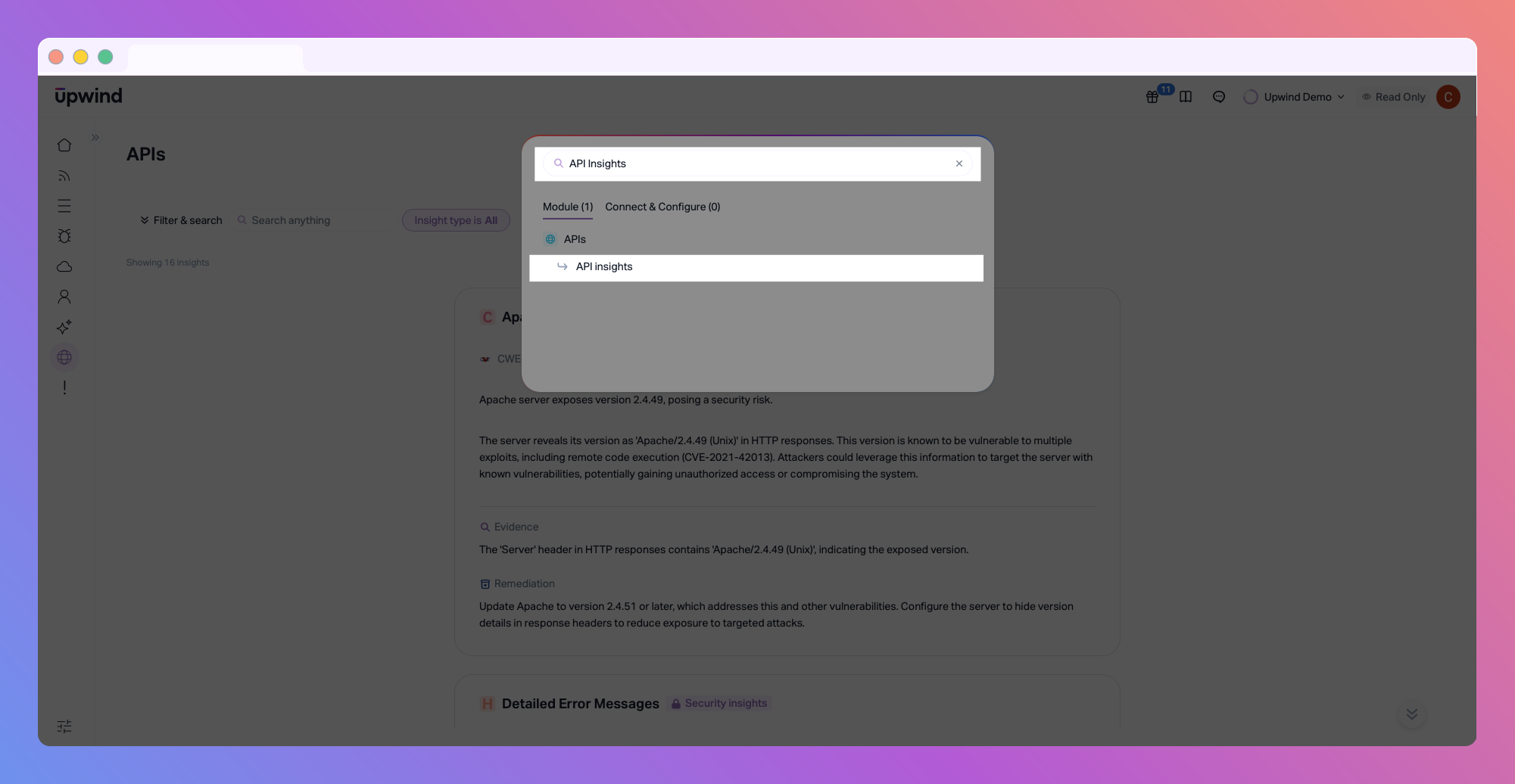
At the same time, the Connect & Configure tab surfaces common onboarding and operational actions, including connecting cloud accounts or deploying scanners.
Designed to Fit Naturally Into Existing Workflows
Global Search is designed to be helpful without being disruptive. Global Seach is available from anywhere in the Upwind console and can be opened using a simple keyboard shortcut:
- Command + K on macOS
- Control + K on Windows or Linux
For teams that prefer keyboard-driven navigation, this makes it easy to move quickly through the platform. For others, Global Search is simply there when needed, supporting efficiency without getting in the way.
Supporting Platform Growth Without Adding Friction
As the Upwind platform continues to evolve, maintaining usability remains a priority. Global Search reflects our broader focus on keeping the Upwind platform approachable. It’s not meant to redefine cloud security workflows, but it does remove small points of friction that add up over time, especially in large or complex environments.
Want to see how Upwind helps teams simplify cloud security? Schedule a customized demo with us to see Global Search and the rest of the Upwind platform in action.